
Siddhify Release Note – February 2025
We’re thrilled to bring you the latest enhancements in Siddhify! Each month, we strive to improve your experience. Here’s what’s new in this release:
Web app layout and functionalities
- Enhanced the icons on the left navigation – there were some unidentical icons size which got fixed.

- Sub users can now create repeat tasks or sub tasks – earlier this feature was available to parent users only, now any user type can create different types of tasks.

- Task grid view enhancement for sub users – the task grid view was broken for the sub users, now it is completely fixed.
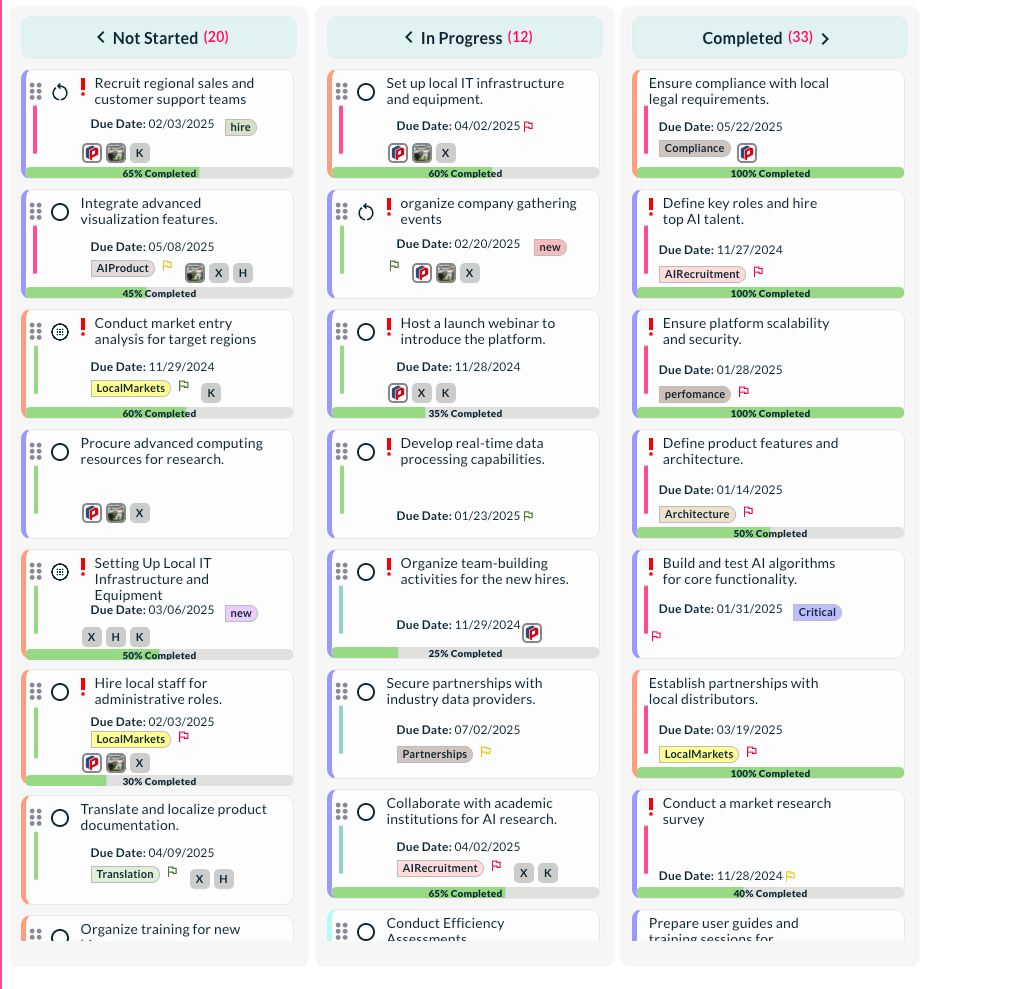
- Show calendar to sub users – the dashboard calendar was not available to sub users now; any user type can see the calendars.
- Report module – now the reporting system is available to see user or project-based reports. You can generate different types of reports. The various types are:
- Dream performance report
- Time investment report
- User performance report
- Health and Fitness report
- Financial (net worth) report
- Family and Kids report
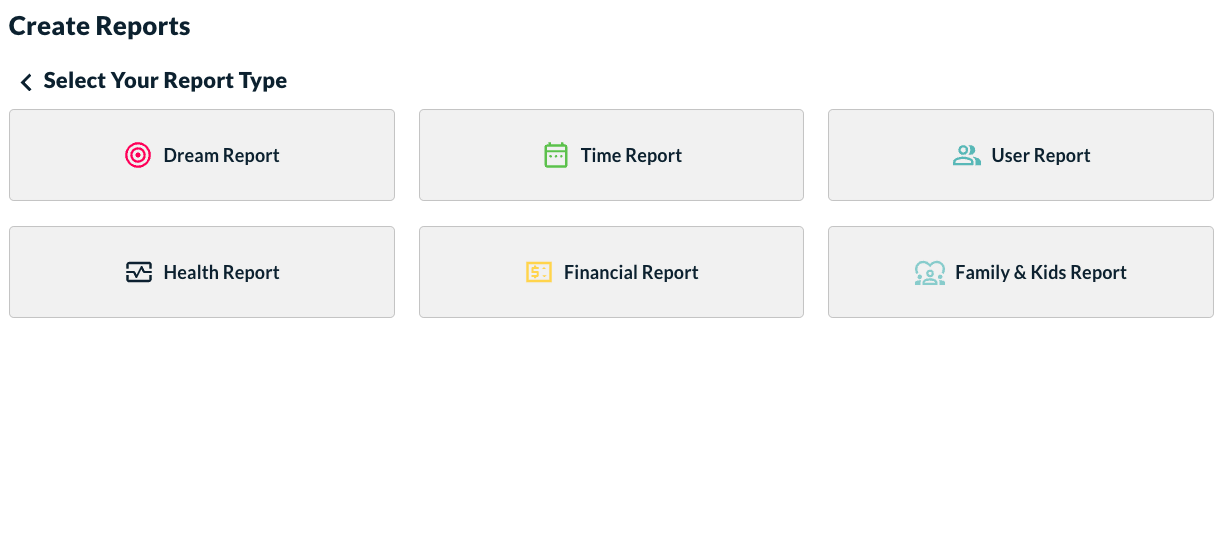
Once you choose the type of report you want to generate, it shows you the following window to choose different parameters including the date range.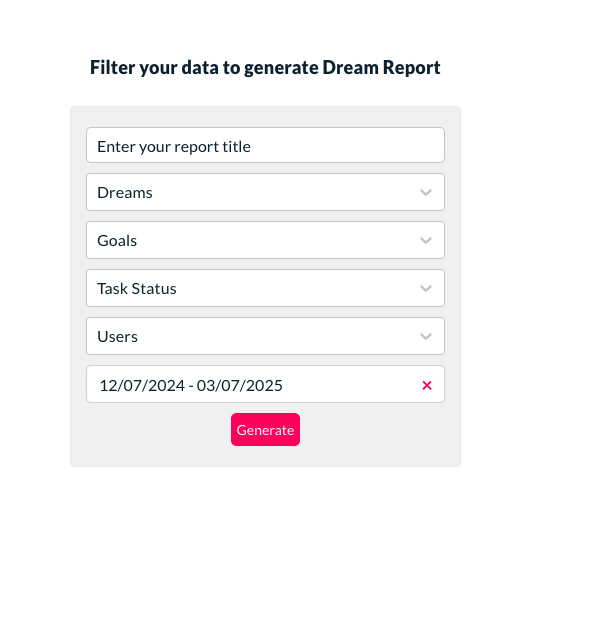
Once the report is generated, it remains available for 7 days. In future we may increase or decrease the duration of availability of generated reports based on the feedback we receive from our users. For now, if your report is gone, you can again generate the same report by choosing the same criteria’s.
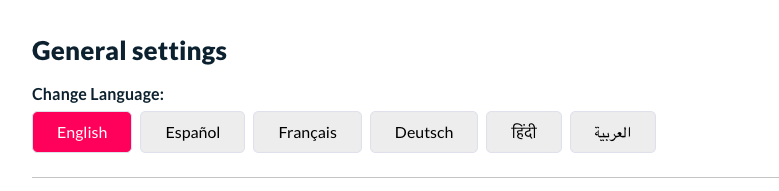
- New language available – Great news. Siddhify has now incorporated 5 new languages into the Siddhify app. Now you can use your favorite Siddhify app in your native language (if available).
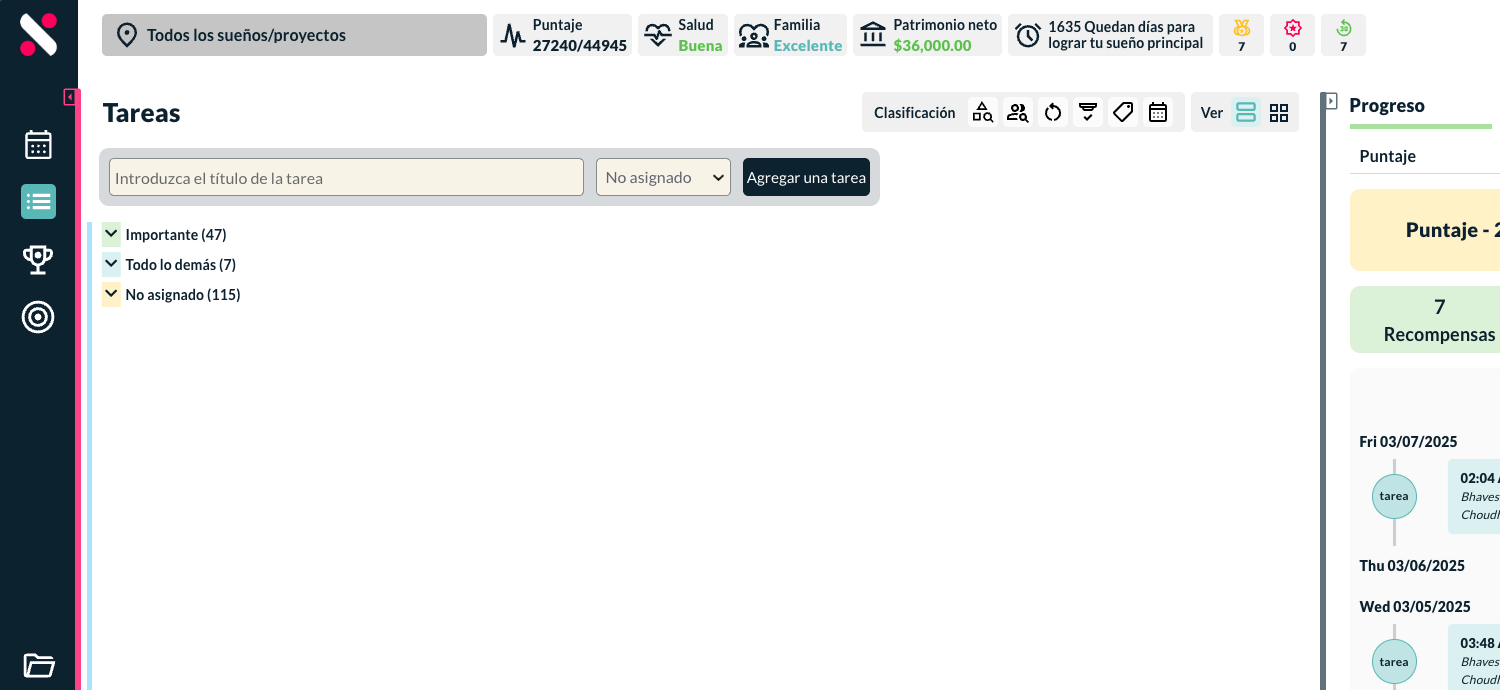
- Timeline module
This is basically the progress timeline of your most important project i.e. your business or startup. You can add different achievements to your timeline, and it will show like the below image. This will give you a great motivation and show you how you are growing your organization.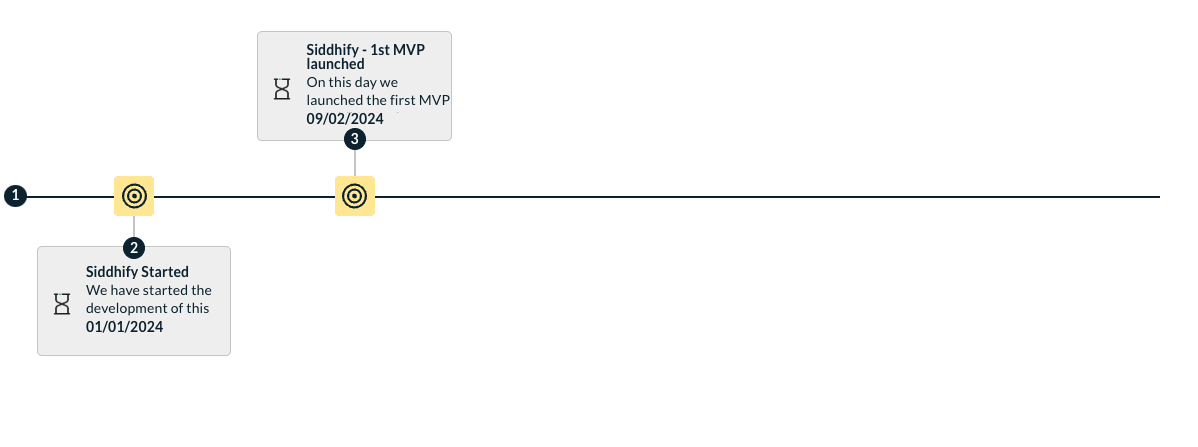
- Added filters for the activity and user logs
The activity logs now have filters to choose different projects/ dreams or goals or type of activity. Based on the filters it sorts out the activity logs.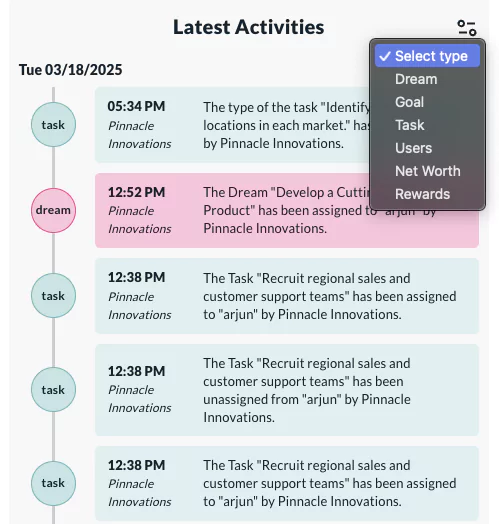
- AI feature to add description, and other stuff automatically when AI is used to create a task
Another great improvement we have done is to put extra intelligence to our task adding process in the app. Now based on some small inputs for a task, the app is capable to suggest your everything else on that particular task. It will give you option to choose the AI generated description, sub tasks and various other information for the task.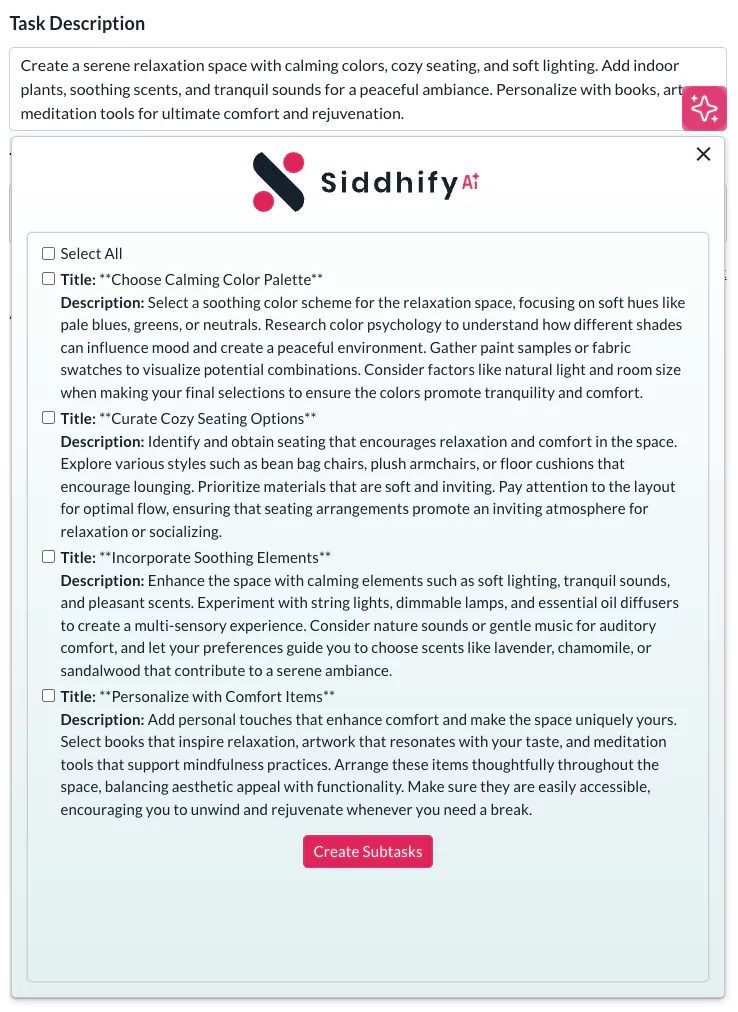
- Dream page enhancement and new features
The dream/ project dashboard is now completely revised. Now it shows you important data with a very nice layout. It shows you how many days you have left in your primary project, who the team members are assigned to, what’s the overall progress percentage etc. When you click on a dream, it shows you a right-side panel with more options and action.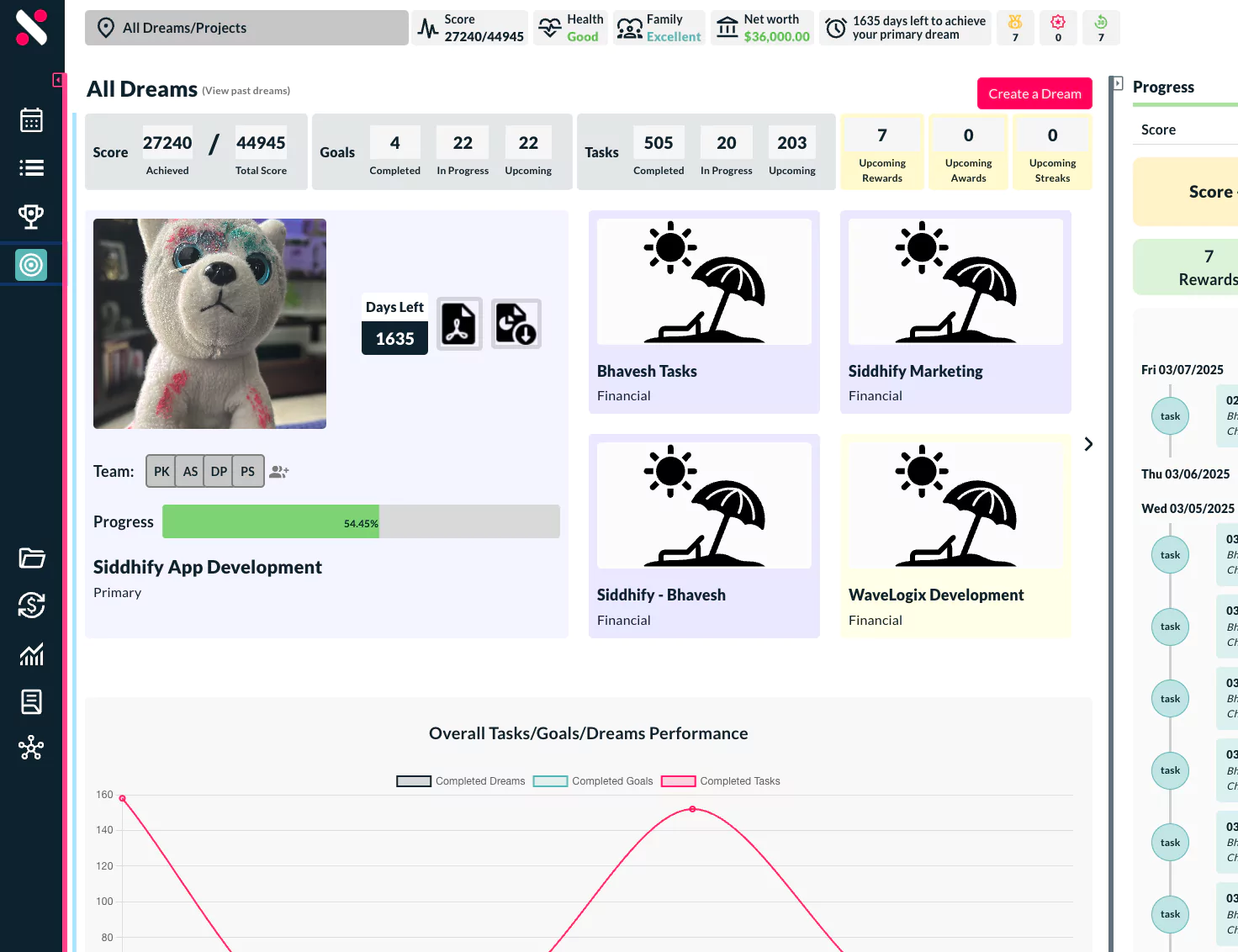
- Dream performance report
- Time investment report
- User performance report
- Health and Fitness report
- Financial (net worth) report
- Family and Kids report
Once you choose the type of report you want to generate, it shows you the following window to choose different parameters including the date range.
Once the report is generated, it remains available for 7 days. In future we may increase or decrease the duration of availability of generated reports based on the feedback we receive from our users. For now, if your report is gone, you can again generate the same report by choosing the same criteria’s.
Mobile layout and functionalities
- Top header is responsive in all the mobile layouts
- Fixed mobile menu UI
- Task filter on mobile made responsive.
- Fixed the right-side bar on all screens. Fixed the onboarding screens for mobile
- Fixed task scrolling issue on task interface
- Chrome and safari – navbar not showing, fixed.
- iPhone menu was not clickable, fixed.
- Fixed overall spacing on the app.
Bug fixes and stability enhancements
- Implemented conditions for the sub users based on task and dream accessibility.
- Now sub users can also see the logs (only his/her own logs)
- Fixed the roadmap quarters presentation.
- On the goals page, fixed the expand all button.
- Enhance the activities and logs UI
- Fixed the UI for the task title on grid view.
- Doc feature – shared doc option will enable automatically when Google Doc account is connected.
- Fixed bar chart for sub users on the dashboard.
- Fixed the issue related to showing daily status popup.
- Skip 2FA if user does not want to configure.
As always, we’re dedicated to enhancing your productivity and life management. Don’t hesitate to reach out with any questions or feedback!