
Siddhify Release Note – April 2025
We’re thrilled to bring you the latest enhancements in Siddhify! Each month, we strive to improve your experience. Here’s what’s new in this April 2025 release:
Web app layout and functionalities
- German Language – Implemented the German language in our app

- We have added a new “Medium” priority for the tasks.
We received several requests to add one more priority called “medium” to our tasks. The medium priority will be treated in orange to show its importance.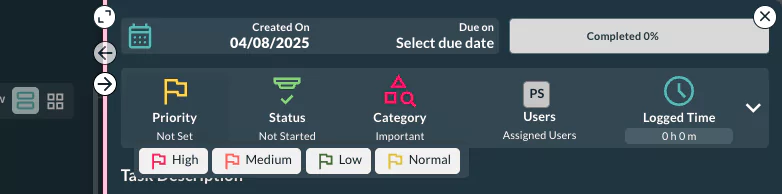
- The new text editor in the task description box
Gives lots of features like copying, pasting text, images, and formatting features. Now, working on the task description is more user-friendly. The text can be copied and pasted, the image can be dragged and dropped inside the box, and so on.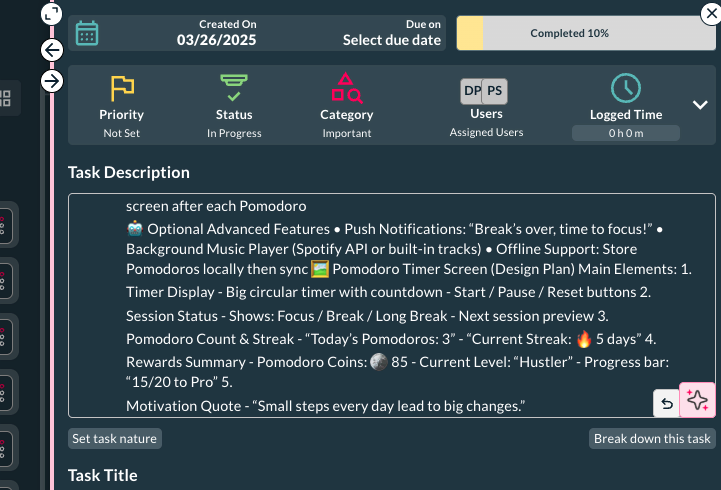
- Reopen a task – now a task can be reopened.
This is again a very important feature that lots of our users requested to implement. Now, whether it’s by mistake or intentionally, if you close a task, you can reopen it without any issues.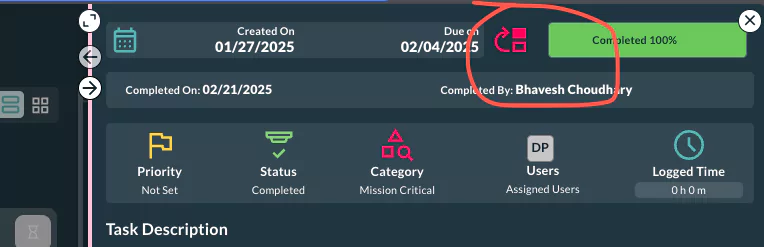
- Lots of small changes in the time module – showing logged time by default on the task list, dream, and other pages. Also, subtasks show the logged time.
We made lots of small but important changes in the time module.
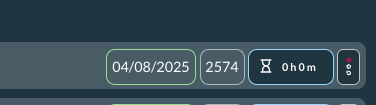
Now, the time logged shows on the icon if there is any time that has been added to the particular task.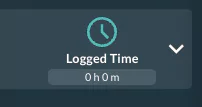
- System Modules – Under settings, added a new module which helps you personalize your Siddhify account. Now you can enable or disable different modules according to your needs.
To see this, simply go to Settings > Modules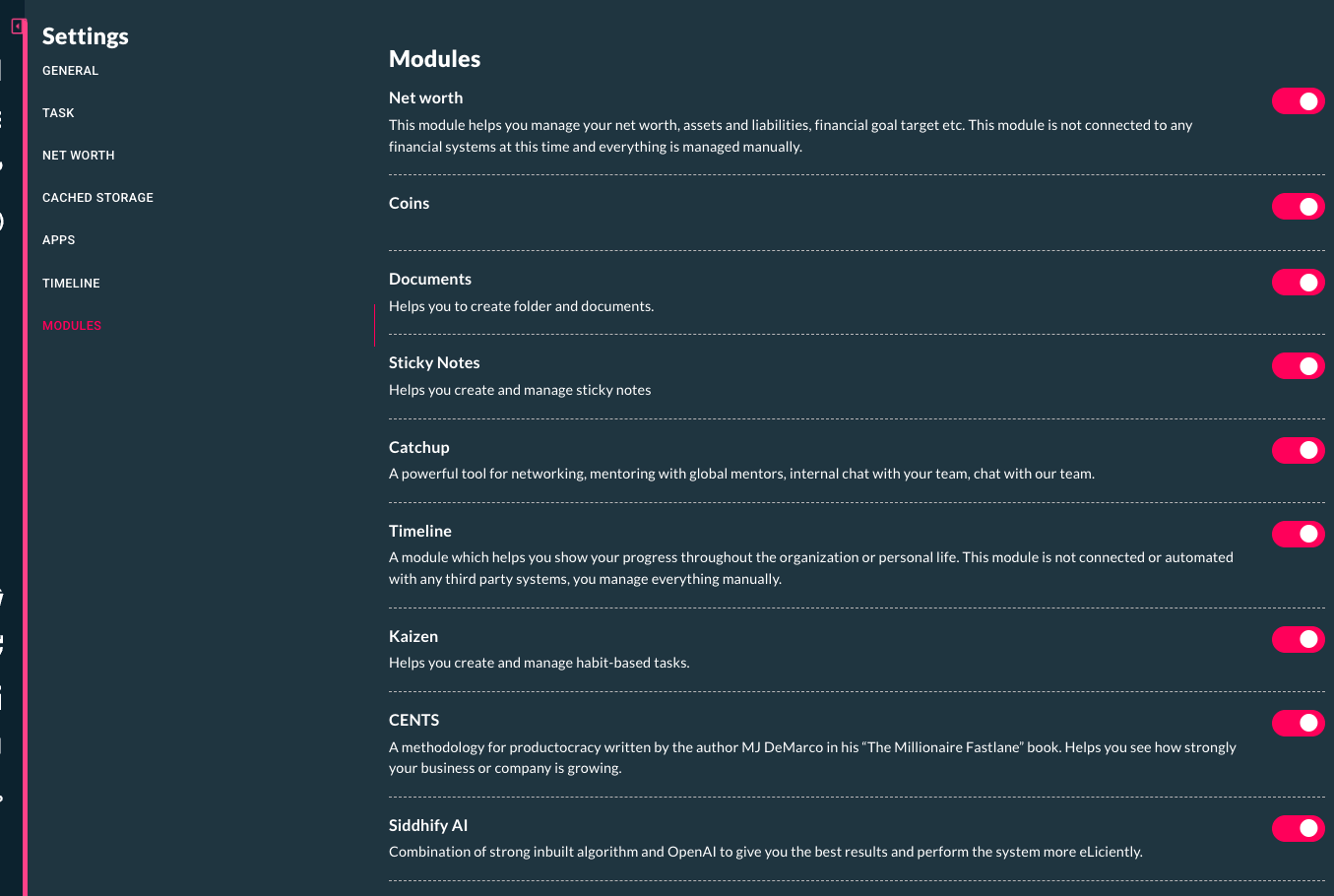
- Task nature
This is a new module that helps you consider the nature of a task, whether it is a quick, complex, or challenging task. You can simply add the task nature suggested by AI, and then later you can filter and work on these tasks based on your choice. For example, if you want to handle some fun tasks, simply click on “Fun tasks,” and your tasks will be filtered for fun tasks. Stay tuned for more updates on this in our next release.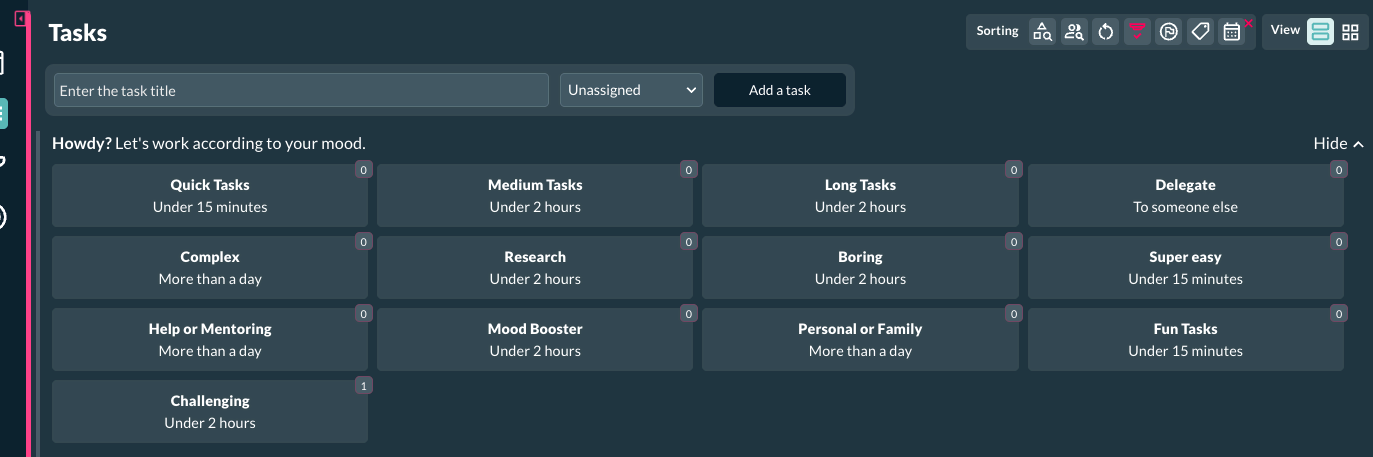
- When the task interface is in full screen, more columns and information are shown.
The task listing interface became more informative. Now, when the right sidebar is closed, we have used that empty space to show some very important information about the task, such as Due Date, Task ID, Time logged, etc.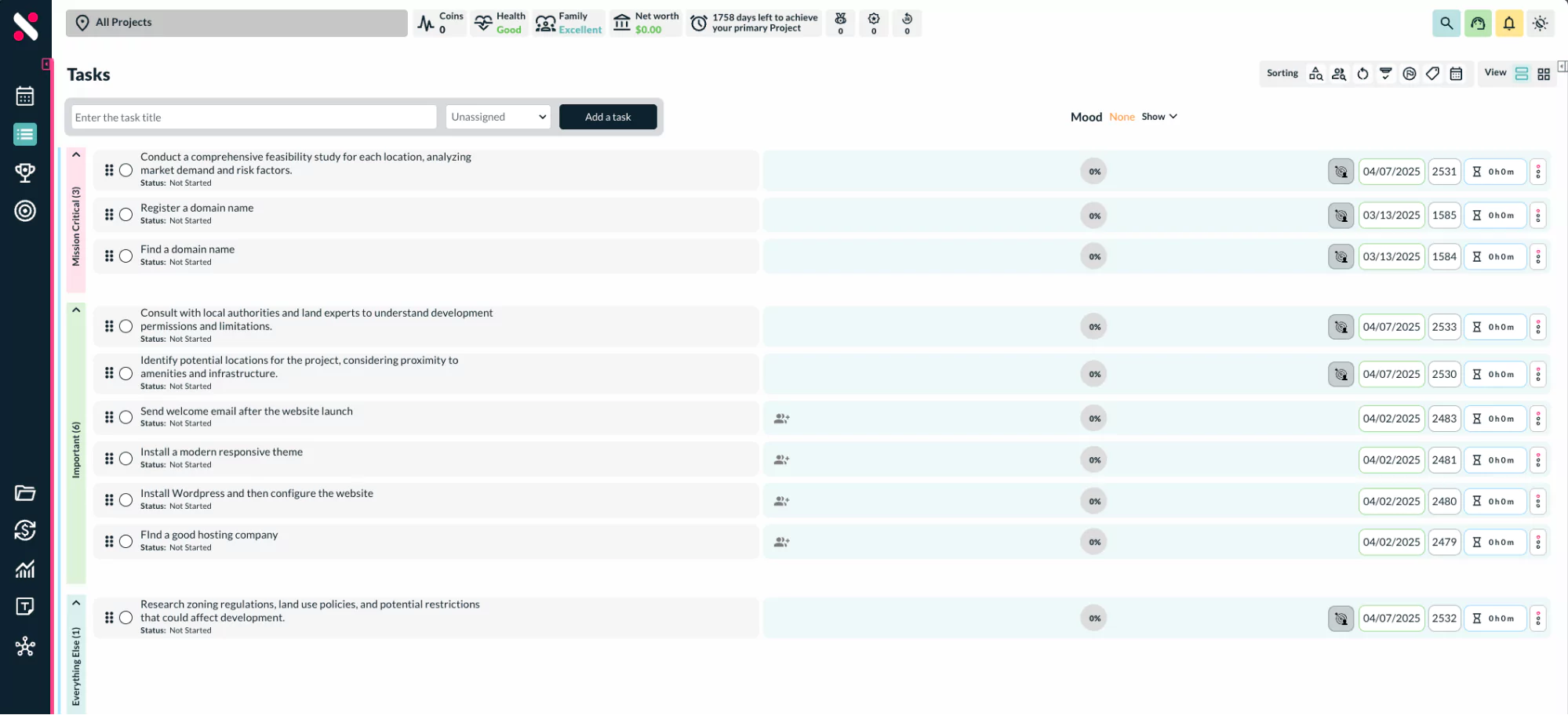
- Nested tasks – now a user can add 6 levels of subtasks.
Tasks under task means nested task is now a feature in Siddhify. You can create up to six levels of subtasks on any task without a limit on the number of tasks.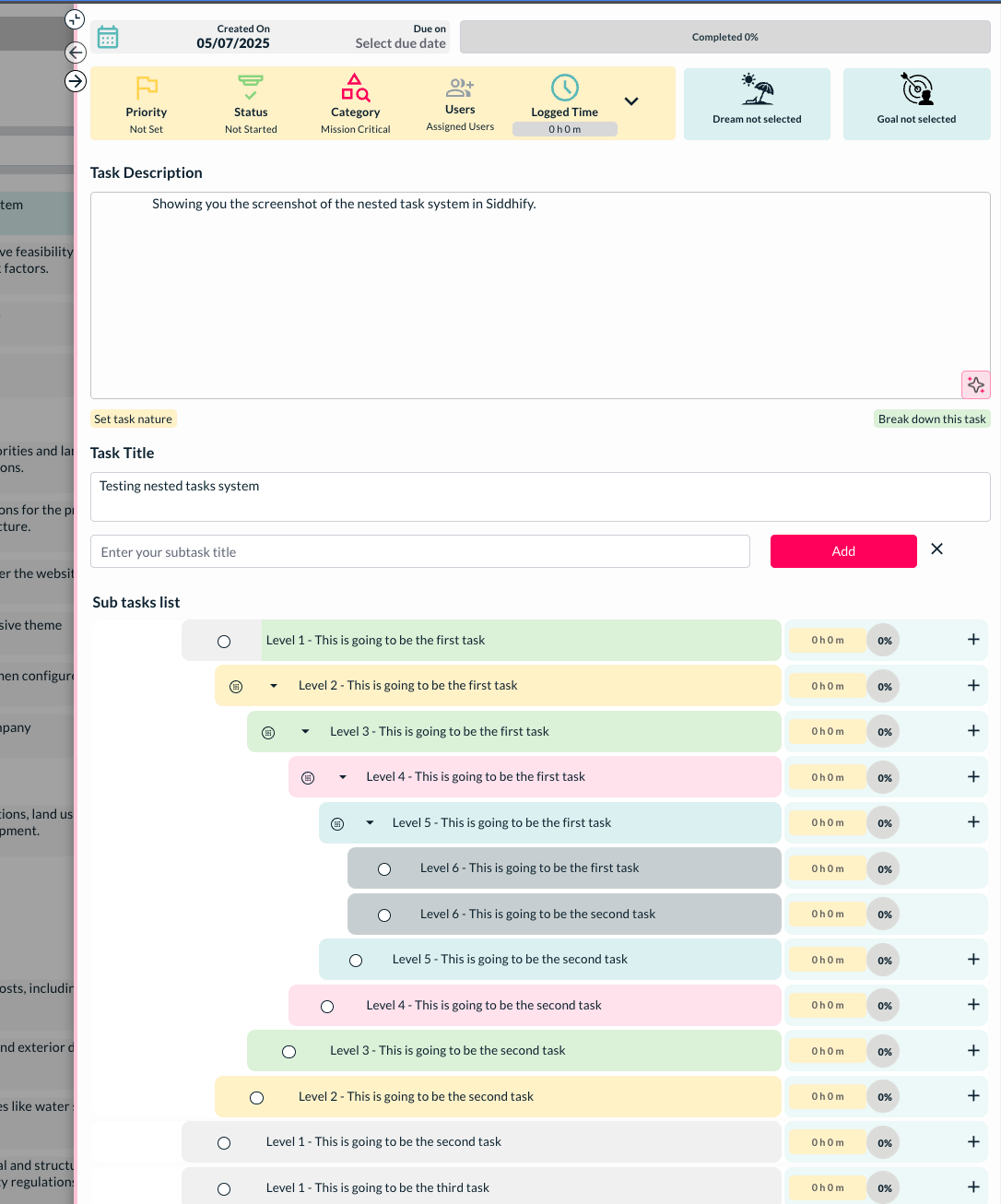
- Client as a sub-user
Now client can be added as part of the system on Siddhify for its clients. Once a client is added, they will only have access to the projects that are shared with them. They can only see those tasks that are assigned to them. In order to see other tasks handled by other users on a specific project, you will need to make sure that the client is added as a user on those tasks to view or comment on them.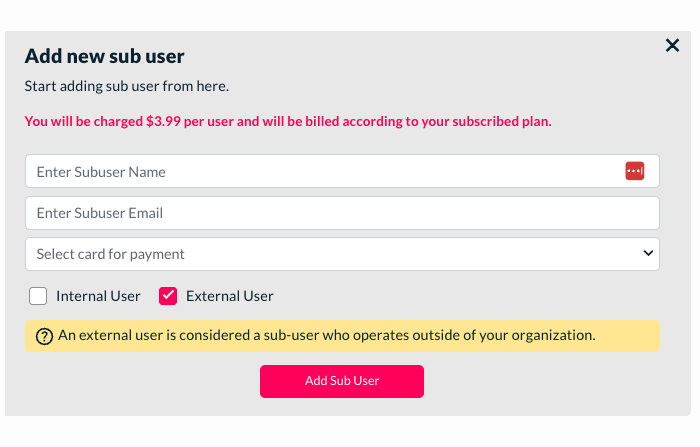
- Goals page enhancements
Showing progress for the goal on the listing page
Showing the dream/ project category on the goals.
Revised the layout of pending, completed tasks when the goals right-side bar is opened. - Dashboard calendar changes
Enhanced the layout, task presentation, and also integrated the events from Google Events on this page.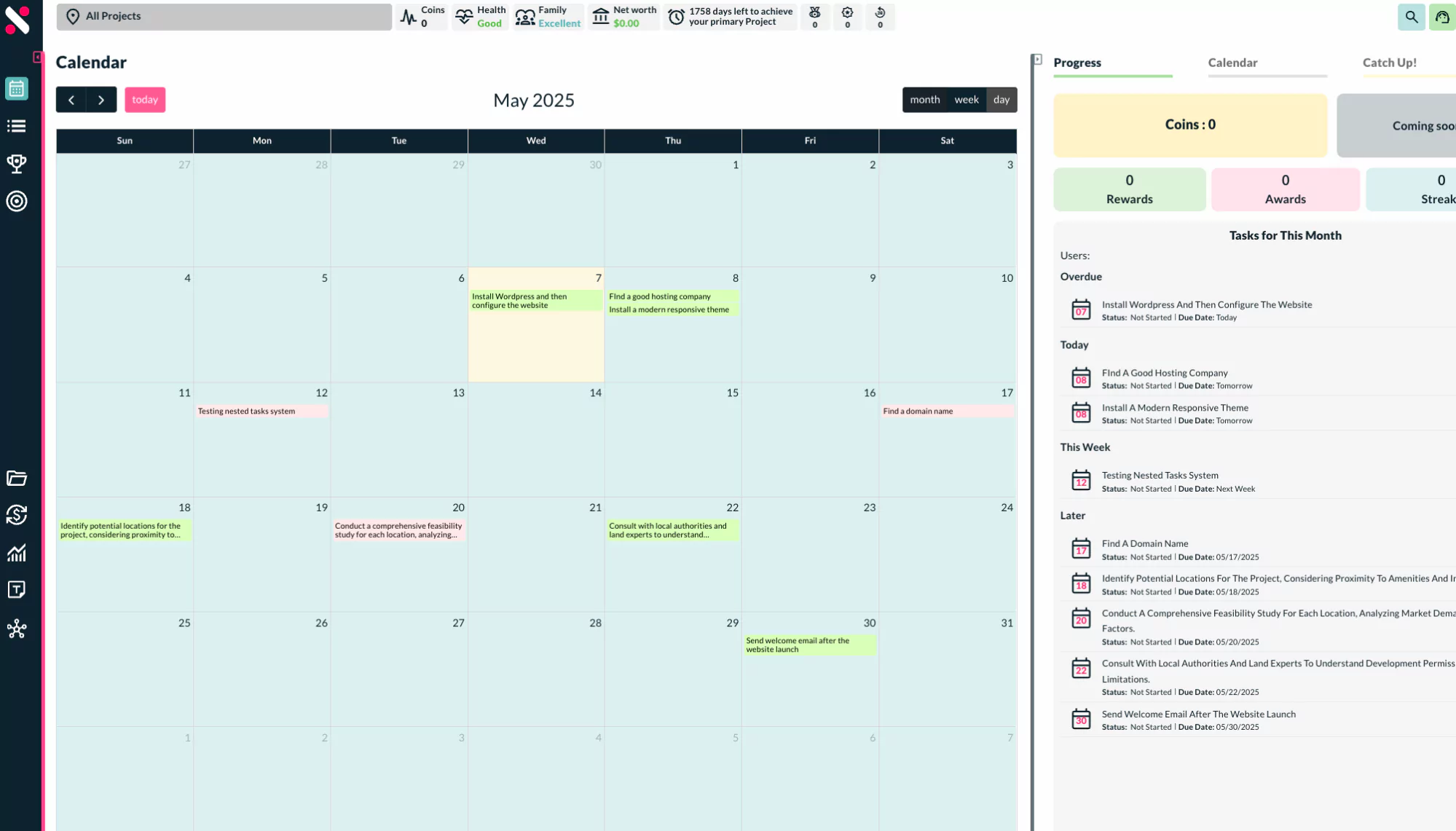
- Task breakdown through AI
A new AI feature on the task breaks the main task into smaller, actionable subtasks that are easy to perform and record.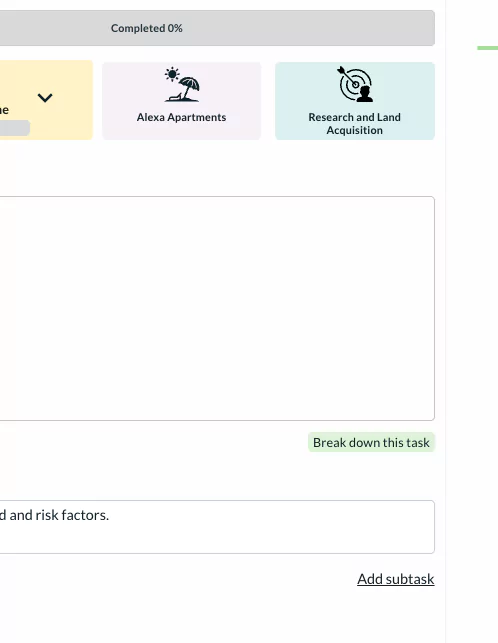
- Progress bar color changes
Now the progress bar has a different color and percentage to show the progress on a task.
0% – no color changes, grey as default.
1-10% – lighter yellow
11-49% – darker yellow
50-75% – lighter green
76-85% – darker green
86-100% – darker green
- Previous and Next buttons for the task
Now task right-side bar (small and full side bar) has an option to go to the previous or next task in the particular category without going back to the main task listing page. This saves a lot of time for our users to go back and forth.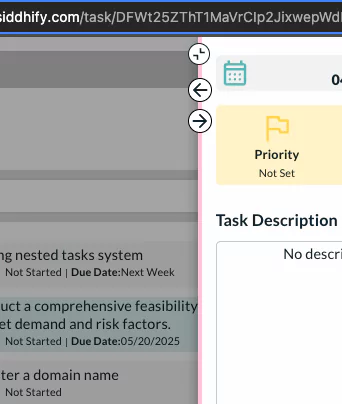
- Dark mode
A beautiful new dark mode is available to all our users from this month. You might find here and there things, make sure to notify us of anything unexpected you experience in the dark mode.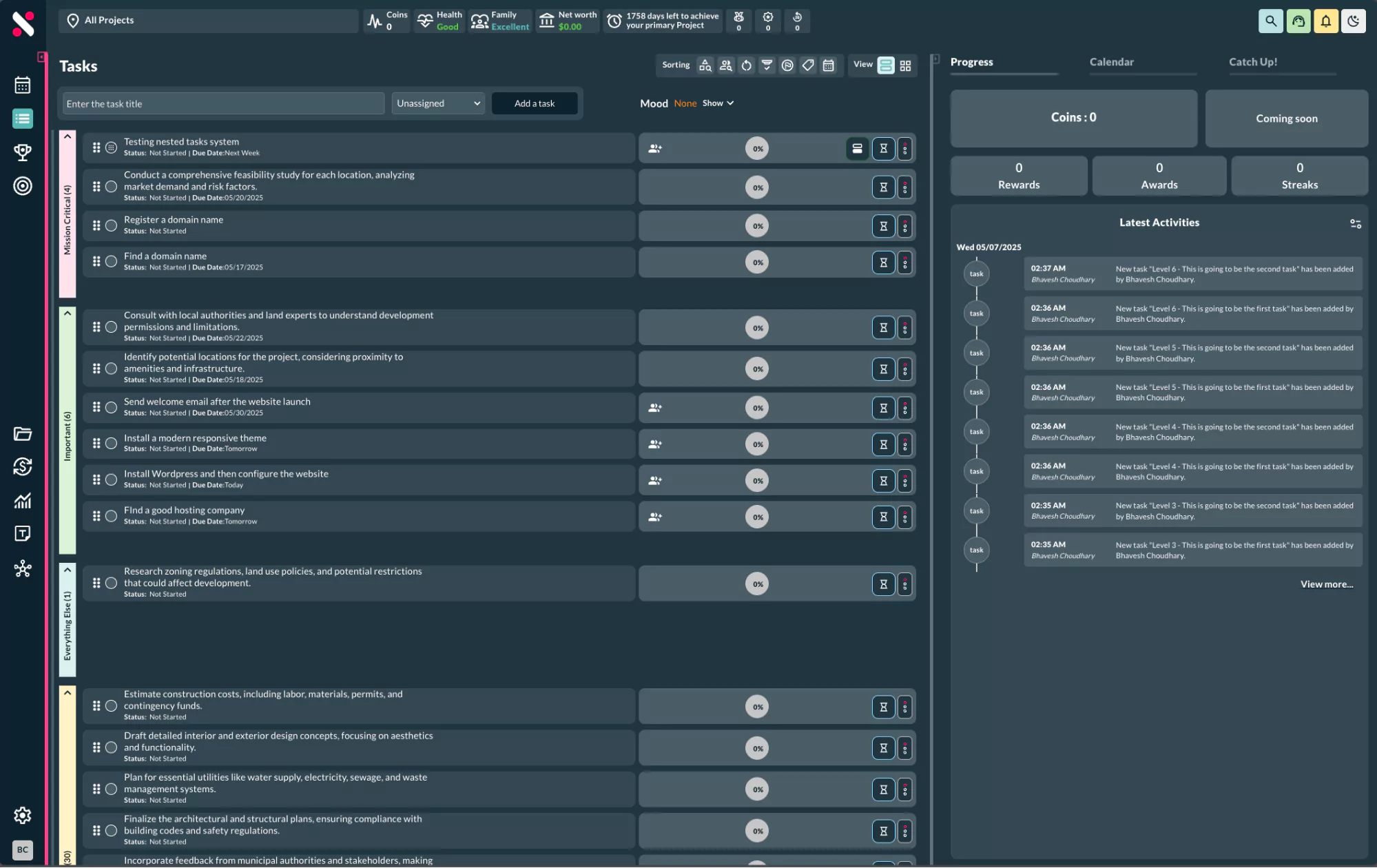
- Google calendar sync for events and tasks (one way) for now.
Now, Google Events can be synced to Siddhify. Any new events that are created will be synced inside the app.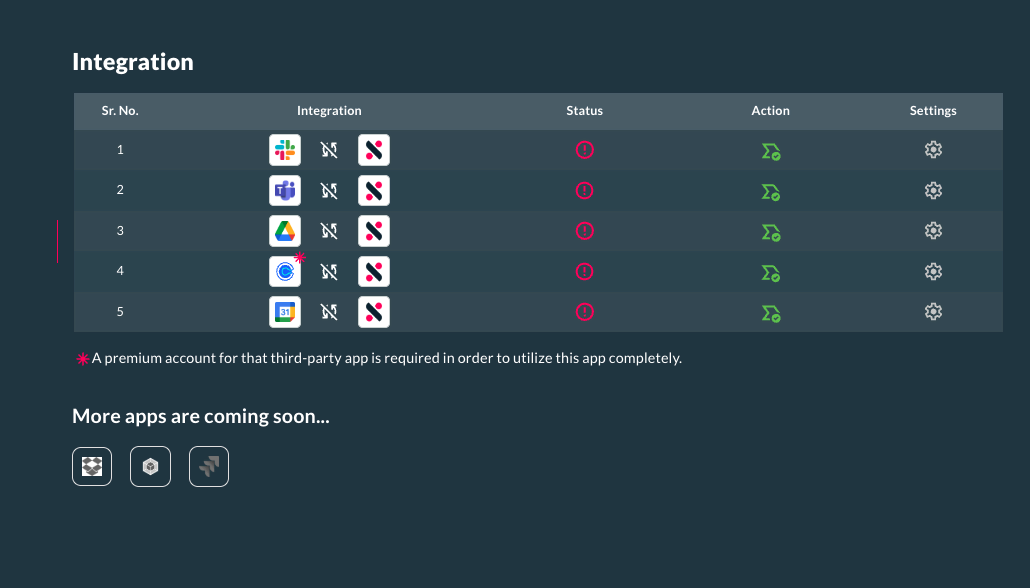
Mobile layout and functionalities
Mobile UI enhancement on the task interface.
Bug fixes and stability enhancements
- The Dream/ Project dropdown is clickable on all interfaces.
- Time logging is cleaner
- AI reporting fixes
- Recurring task bug fixed
- Search restriction – now, if the project is selected, the search will be restricted to that.
- When the task was completed, the scroller was not working for the task description.
- Load more tasks when there is space on the page.
As always, we’re dedicated to enhancing your productivity and life management. Don’t hesitate to reach out with any questions or feedback!