
Settings
Customize Your Siddhify Experience
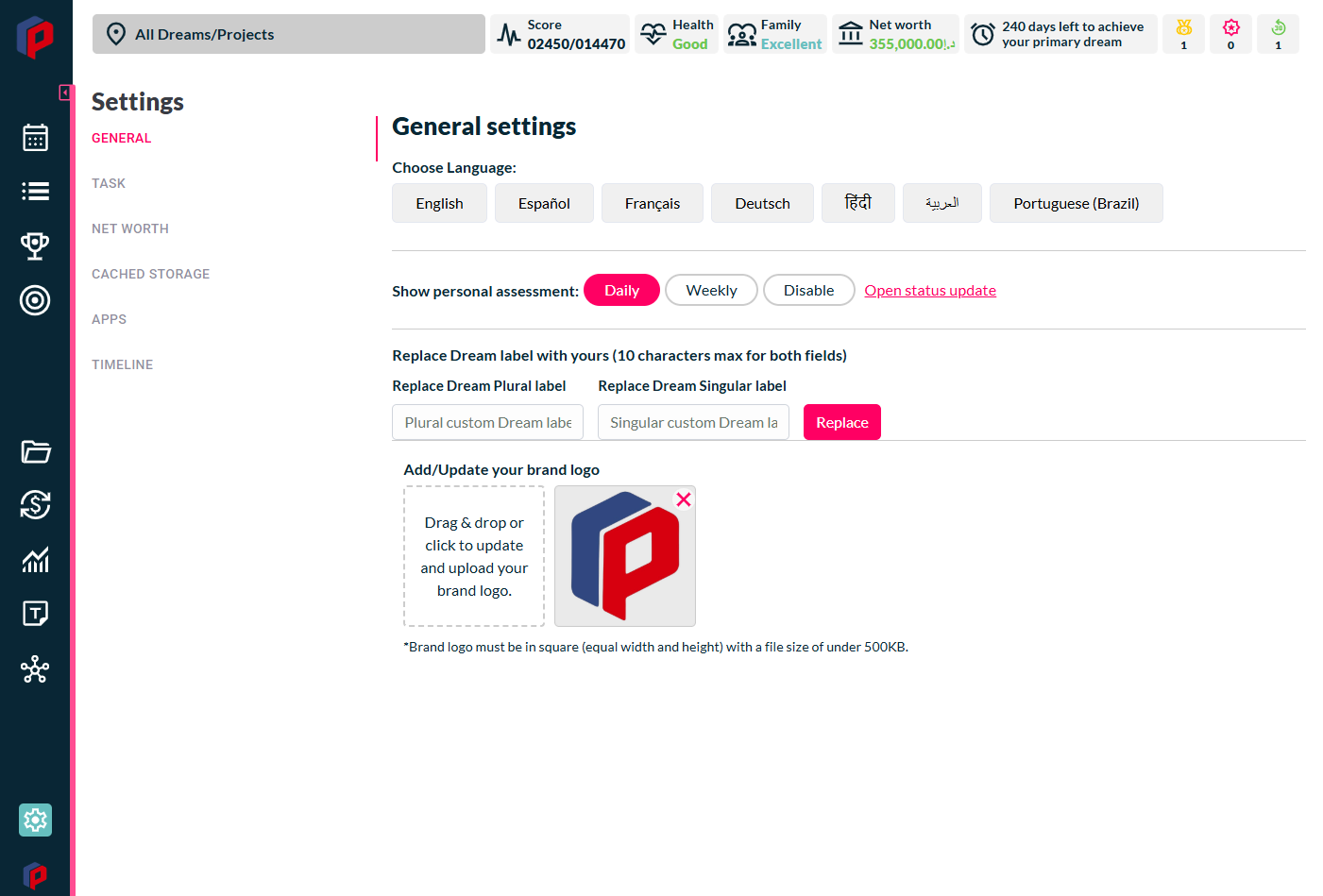
Siddhify’s Settings section puts you in control, allowing you to tailor the platform to your personal or team needs effortlessly. Whether you adjust workflows, manage app integrations, or change language preferences, Settings ensures your experience is smooth, efficient, and optimized for success.
Why Managing Settings Matters
Imagine running a small agency where every team member has different preferences. One prefers a streamlined task list, while another needs a more detailed project breakdown. Without proper settings, confusion arises, deadlines get missed, and productivity suffers. With Siddhify’s easy-to-use Settings, you can customize your workspace, ensuring that everyone works the way that suits them best.
Key Features in Settings
- General Settings – Adjust your profile details, notifications, and theme preferences.
- Task Settings – Customize task visibility, priority levels, and deadlines to match your workflow.
- Net Worth Settings – Manage financial tracking within Siddhify to stay on top of personal and business finances.
- Cached Storage Settings – Optimize performance by clearing cache or managing saved data.
- App Integration Settings – Seamlessly connect your favorite tools for better collaboration.
- View Timeline – Track changes, updates, and past actions for complete transparency.
New Feature: Multi-Language Support!
Great news! Siddhify now supports five new languages, making it even easier to navigate the platform in your native language (if available). Head to Settings to switch and enhance your user experience.
With Siddhify’s intuitive Settings, you eliminate guesswork, save time, and create a workspace that works for you. Start customizing today!