By the time you are ready to actually work, it is 9:20am — and you have not produced a single billable minute yet.
This is not a discipline problem. It is a tool design problem. When your project management platform does not include time tracking or document management, you pay for three separate subscriptions and still end up with fragmented data, confused team members, and a Monday morning that starts in chaos rather than clarity.
This article covers the project management tools that genuinely work for small consulting firms — not enterprise software companies, not tech startups. 2–15 people, multiple client engagements, billable hours that matter. I have been honest where competitors fall short and transparent about where Siddhify (the tool I built) is still developing.
What Makes Project Management Different for Consulting Firms
Generic project management tools are built for one of two audiences: large enterprise teams with dedicated project managers, or technology companies running agile software development cycles. Consulting firms are neither.
You are managing multiple simultaneous client engagements where each client expects the same level of attention and visibility. You are billing by the hour or by the project — which means time must be tracked accurately or revenue disappears. Your team produces documents, reports, and deliverables that need to be filed against the right client and accessible to the right people. And your team is small enough that any tool requiring more than a day to learn will simply not get adopted.
The five non-negotiables: built-in time tracking (not an add-on), document management connected to projects, cross-client visibility in one dashboard, simplicity of setup (under one day), and pricing that makes sense for a team of 2–15.
Most tools on the market tick two or three of these boxes. Very few tick all five. Understanding which criteria matter most to your firm will help you find the right fit faster.
The 5 Criteria to Evaluate Any PM Tool for Your Consulting Firm
Does time tracking live inside the task — or in a separate app?
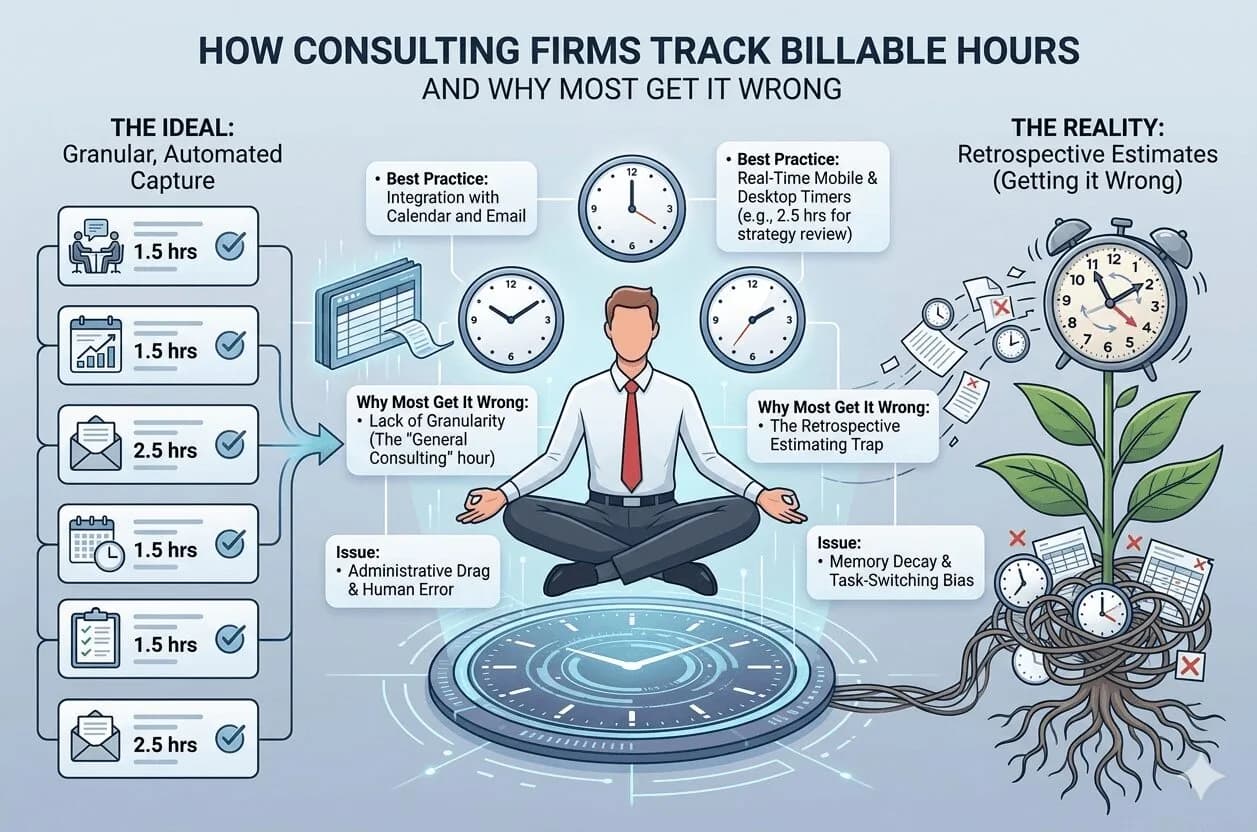
This is the most important question on the list. When time tracking requires switching to a separate app, consulting firms lose an average of 15% of billable hours every month — not because the team is dishonest, but because the act of switching apps creates friction and forgetting. The timer must be next to the work. If it is not, hours will slip.
Can you see all client engagements in one dashboard?
A consulting firm principal managing six clients cannot afford to open six separate project views to understand what is happening this week. You need one screen that shows all active engagements — their status, what is overdue, what is due this week, and who is working on what. Without this, you are managing by memory, which is how things get missed.
Is document management connected to the project?
Consulting firms produce a lot of documents — proposals, strategy memos, process audits, reports. When documents live in a separate tool (Notion, Google Drive, SharePoint), they become disconnected from the project they belong to. Someone changes the document and does not update the task. Someone archives the wrong version. The right tool keeps documents filed against the right client engagement automatically.
How long does setup take — realistically?
A tool that requires three days of configuration and a two-week onboarding period is not suitable for a 5-person consulting firm. The right tool should have your team fully operational — real client projects set up, time tracking running, documents filed — in under a day. If it takes longer, the complexity will kill adoption within a month.
What is the real cost for a 5-person team — including all tools needed?
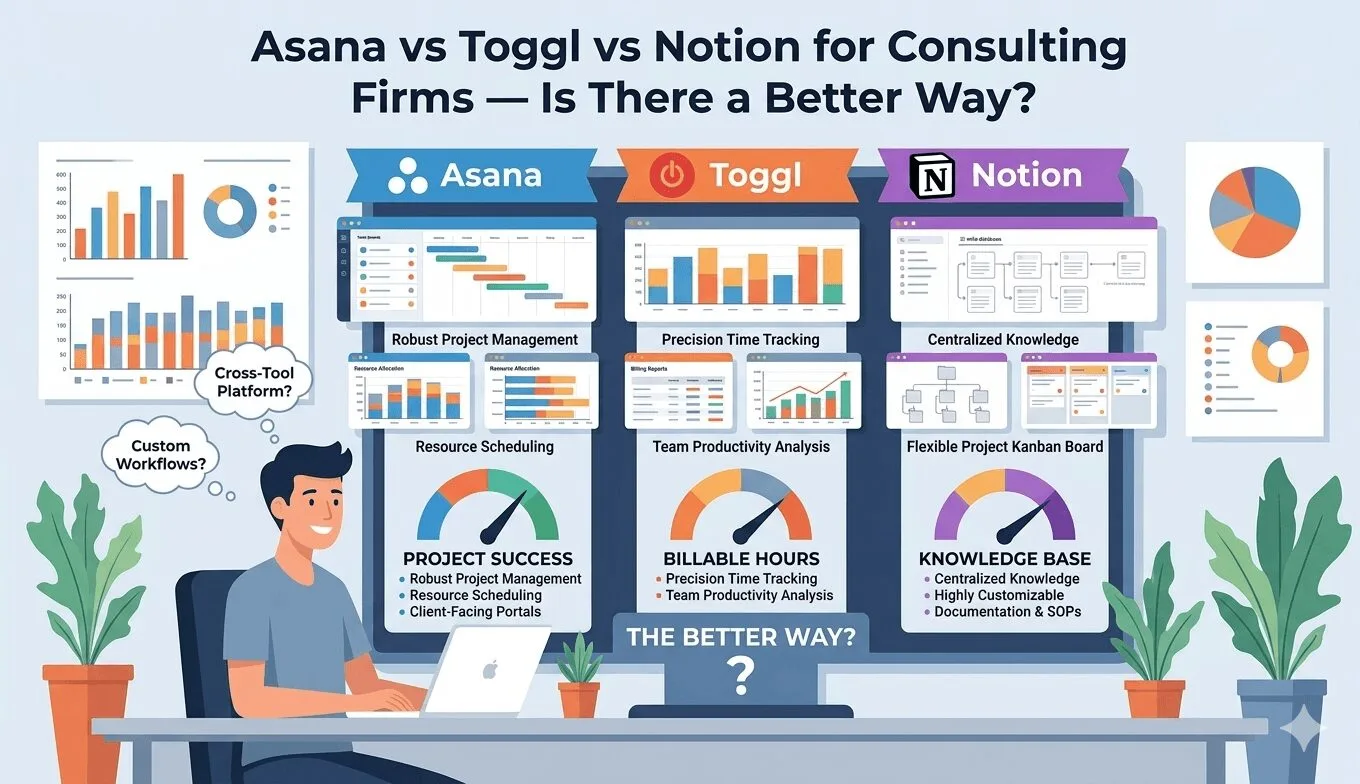
The price shown on any software website is rarely the full price you will pay. If the PM tool requires a separate time tracker and a separate document tool to be complete, you need to calculate the total stack cost. For most consulting firms running Asana + Toggl + Notion, the real monthly cost is ~$145 for 5 seats — not $60.
The tool stack problem in one sentence
A 5-person consulting firm running Asana + Toggl + Notion pays ~$145/month for three tools that do not talk to each other — and still spends 30 minutes every Monday morning reconciling them all.
The Tools — Honest Assessment for Small Consulting Firms
I have evaluated these tools specifically for consulting firms of 2–15 people managing multiple client engagements. Not for large enterprises. Not for solo freelancers. The pricing shown is for 5 seats on annual billing — the most relevant comparison point for the audience this article is written for.
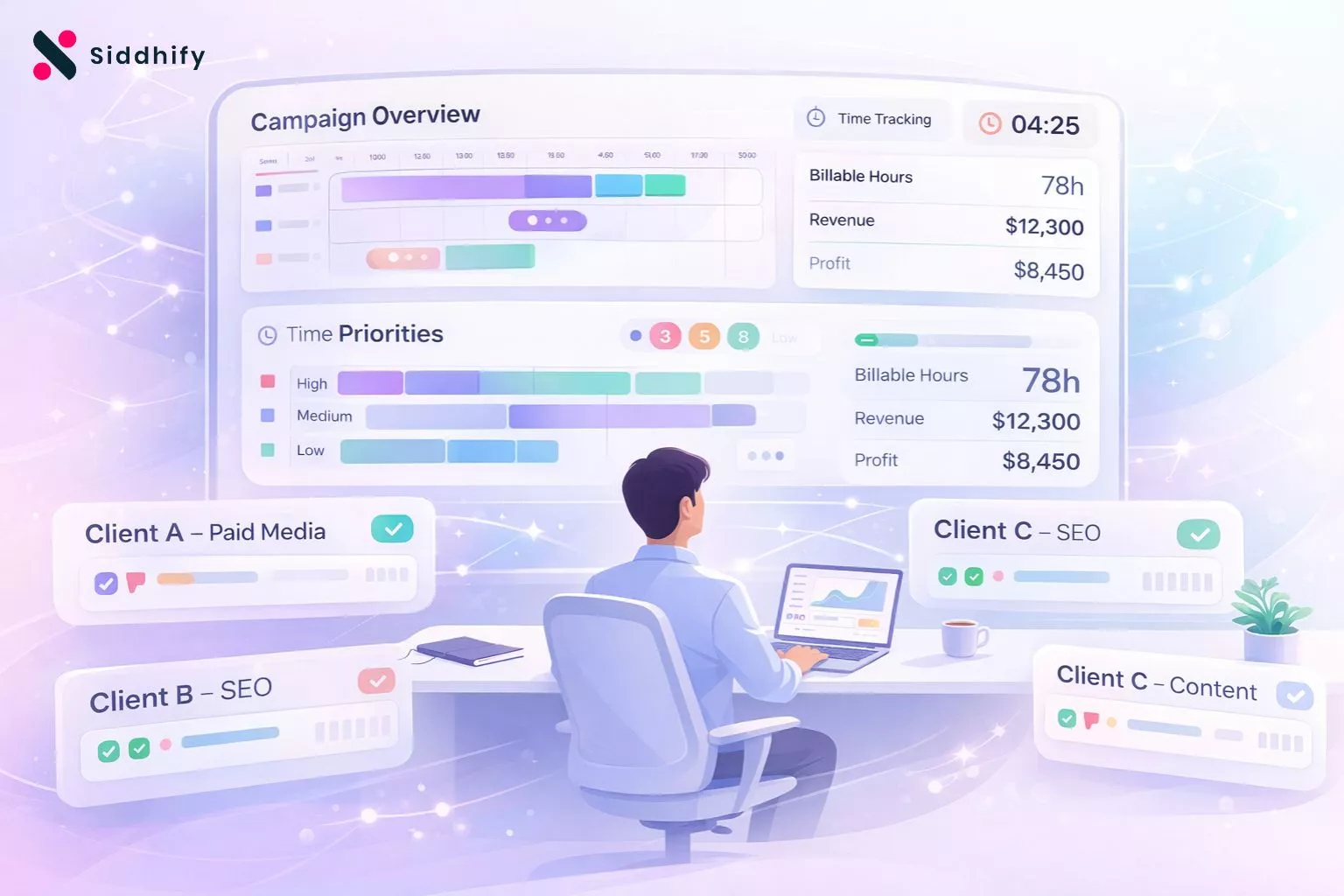
Siddhify is the only tool on this list that combines project management, built-in time tracking per task and team member, and AI-powered document management in a single platform — designed from the ground up for consulting firms of 2–15 people. There is no separate time tracker to switch to. No separate document tool. No month-end reconciliation across three apps.
You set up a project for each client engagement, add milestones and tasks, assign team members, and the timer is right there inside every task. Documents live in project-based folders with permission controls — so contractors only see what you want them to see. One dashboard shows all active client engagements, who is working on what, how many hours have been logged, and what is overdue.
I will be transparent about one thing: invoicing is currently in development. If you need a fully mature invoicing module today, Siddhify is not yet complete for that specific need. For everything else a consulting firm needs to run its projects — task management, time tracking, document management, team visibility, milestone tracking — Siddhify is the most complete option at this price point.
- Time tracking built into every task — no switching apps
- AI document assistant for faster deliverables
- Cross-client dashboard — all engagements in one view
- Project-based document folders with permissions
- Team gamification keeps consistency high
- Operational in under a day for most firms
- Invoicing module still in development
- Smaller brand recognition vs Asana or ClickUp
- No enterprise SSO or compliance features
Teamwork is one of the strongest purpose-built options for client-facing consulting work. It includes time tracking, milestone management, and a client portal that lets clients see project progress without needing full access. For consulting firms that do a lot of client-facing reporting, this is a genuine strength.
The limitations for small firms: Teamwork is built for agencies and firms with 15+ people. For a 5-person boutique consultancy, the complexity is higher than necessary — and the pricing reflects a larger team assumption. Document management exists but is not as sophisticated as a dedicated document platform, and there is no AI writing assistance.
- Built-in time tracking connected to projects
- Client portal for external project visibility
- Strong billing and invoicing features
- Good milestone and project phase management
- Complex for teams under 10 people
- Pricing is high for small consulting firms
- No AI document assistance
ClickUp is the most powerful tool on this list in terms of raw features. It has project management, time tracking, documents, goals, dashboards, and an enormous library of integrations. For a consulting firm that wants total flexibility to customise their workflow, ClickUp delivers.
The catch: ClickUp is overwhelming for small consulting firms. The "everything" approach means there are too many ways to do the same thing, and teams inevitably configure it differently — which creates its own kind of chaos. Setup time is typically 3–5 days minimum. Adoption drops off after the first month for teams under 10. If you have the bandwidth to invest in setup and training, ClickUp is excellent. Most 5-person consulting firms do not.
- Most feature-complete tool on the market
- Time tracking built in (limited on lower plans)
- Docs, whiteboards, and goals all included
- Generous free tier for small teams
- Too complex for teams under 10
- Takes 3–5 days minimum to set up properly
- Adoption decay is a known problem
Asana is the most widely used project management tool in the world, and for good reason — it is clean, well-designed, and easy to understand. For simple task and timeline management, Asana is excellent. For consulting firms specifically, it has two significant gaps.
First, Asana has no built-in time tracking. You need to integrate Harvest or Toggl separately — which means two apps, two subscriptions, and two places where data gets out of sync. Second, document management is basic file attachment, not a real document system. Most consulting firms end up running Asana + Toggl + Notion, paying ~$145/month total for 5 seats. That is the real cost of choosing Asana for consulting work.
- Clean, intuitive interface — low learning curve
- Strong timeline and milestone views
- Reliable task tracking and automation
- Large ecosystem of integrations
- No built-in time tracking
- Document management is file attachment only
- Real cost is much higher when adding Toggl + Notion
Many consulting firms run Toggl for time tracking and Notion for documents — often alongside Asana or Trello for project management. Each individual tool is genuinely excellent at what it does. Toggl has some of the best time tracking UX on the market. Notion is a beautifully flexible document platform.
The problem is the gaps between them. Toggl knows nothing about your Notion documents. Notion has no idea what your Asana tasks are. Asana cannot see your Toggl hours. Every piece of information about a client engagement lives in three separate places, and the only way to get a complete picture is to manually pull them together — which is exactly what your Monday morning looks like right now.
- Toggl: excellent time tracking UX
- Notion: highly flexible documents
- Both: genuinely good at their specific job
- Three tools, three subscriptions, three logins
- No data connection between any of them
- Manual reconciliation at month end
Replace your Asana + Toggl + Notion stack with one platform
Projects, time tracking, and AI-powered documents — built for consulting firms of 2–15 people. Most firms are fully operational within a day. No credit card required.
✓ No credit card required · ✓ 14-day free trial · ✓ From $6.99/seat/month
Side-by-Side Comparison
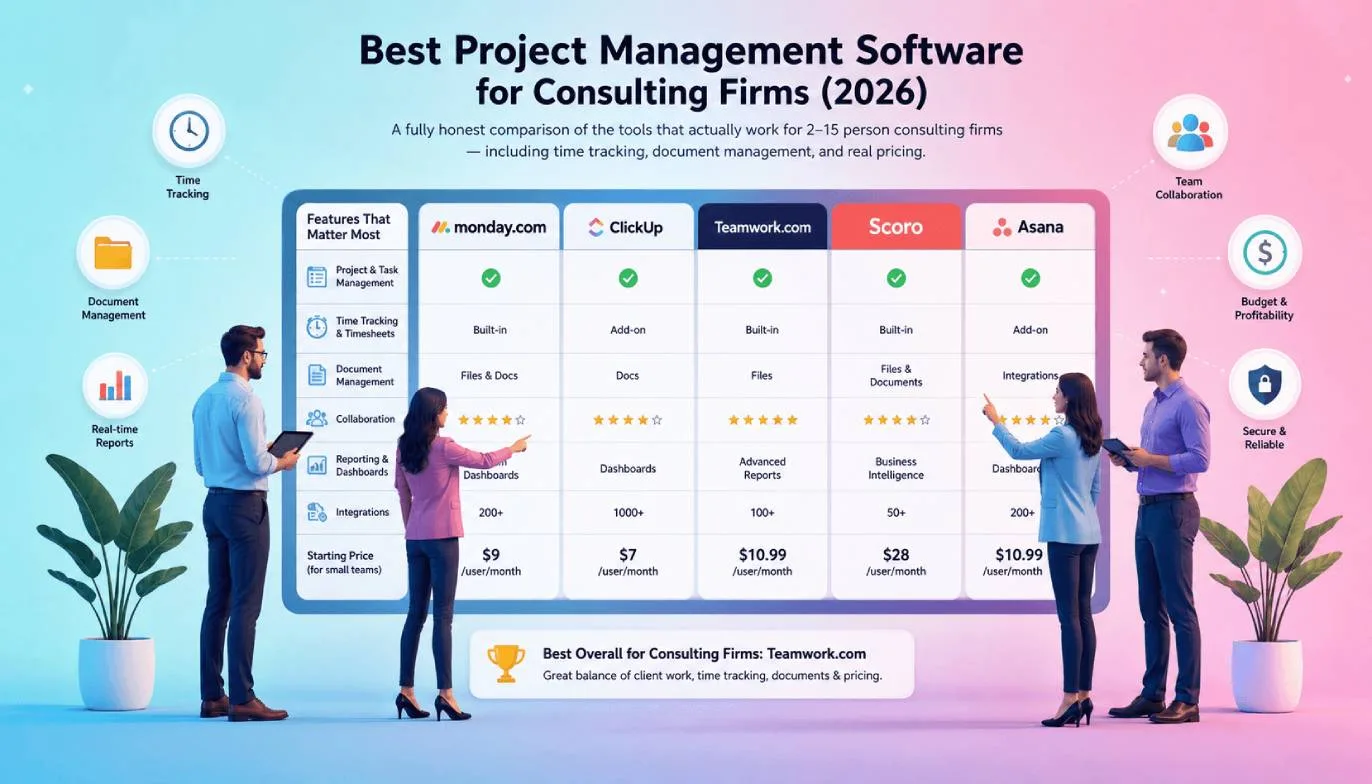
Here is how all five options stack up against the criteria that matter most to consulting firms:
| Capability | Siddhify | Asana | ClickUp | Teamwork |
|---|---|---|---|---|
| Project & task management | ✓ Included | ✓ | ✓ | ✓ |
| Built-in time tracking | ✓ Per task & staff | ✗ Extra tool needed | ⚬ Limited on lower plans | ✓ |
| Document management | ✓ AI-powered | ✗ File attachments only | ⚬ Basic docs | ⚬ Basic docs |
| Cross-client dashboard | ✓ All clients, one view | ✗ Project-by-project | ✓ | ✓ |
| Document permission controls | ✓ Per document | ⚬ Basic | ✓ | ✓ |
| AI writing assistant | ✓ Included | ✗ | ✗ | ✗ |
| Setup time | Under 1 day | 1–2 days | 3–5 days | 2–3 days |
| Price · 5 seats · annual | ~$35/mo | ~$145/mo total stack | ~$50/mo | ~$55/mo |
Our Recommendation — By Firm Size and Need
Different firms have different priorities. Here is a direct recommendation for each type of consulting firm — no hedging.
| Your Situation | Recommended Tool | Why |
|---|---|---|
| Solo consultant just starting out | Siddhify (Free plan) | 5 projects, unlimited tasks, basic analytics at no cost. Upgrade when you need time tracking or documents. |
| 2–5 person boutique consulting firm | Siddhify (Starter or Team) | Simplest onboarding, all three tools in one, fair pricing. Operational in under a day. |
| 5–15 person firm with multiple simultaneous engagements | Siddhify (Team plan) | Cross-client visibility, time tracking per staff member, AI documents, advanced analytics. Everything needed without enterprise complexity. |
| Firm needing strong invoicing today | Teamwork | Siddhify's invoicing is in development. Teamwork has mature billing and invoicing built in for client-facing firms. |
| Large firm (20+ people) with complex workflows | ClickUp or Teamwork | At 20+ people, the additional complexity of ClickUp or Teamwork becomes worthwhile. Both have the feature depth to support more complex operations. |
Siddhify Team at ~$35/month vs. the typical Asana + Toggl + Notion stack at ~$145/month. Annual saving: ~$1,320. Plus: time saved switching apps, hours recovered from better time tracking adoption, and the Monday mornings you get back.
Frequently Asked Questions
Ready to replace your tool stack with one platform?
Siddhify is built for consulting firms of 2–15 people who are tired of paying for three tools that do not talk to each other. Projects, time tracking, and AI-powered documents — in one place, from $6.99/seat/month. Most firms are fully operational within a day.