
You did the work. You delivered the strategy, attended the meetings, revised the deck three times. But when the invoice goes out — you've forgotten half of it. Sound familiar? For most consulting firms and freelance consultants, billable hour tracking is the leakiest part of the entire business. This article breaks down exactly how consulting firms track billable hours, what the best ones do differently, and how the right system can stop revenue from quietly walking out the door.
Why Billable Hour Tracking Matters More Than You Think
For any consulting firm — whether you're a solo consultant or running a small agency — time is your product. Unlike selling physical goods, you can't look at a shelf and count your inventory. Your inventory is hours, and if those hours aren't tracked, they disappear forever.
The consequences are more serious than most consultants admit:
- Revenue leakage — untracked hours mean uninvoiced work. You've already paid the cost (your time and energy) but never collected the revenue.
- Underpricing — without accurate data on how long projects actually take, you keep quoting flat fees that eat into your margins.
- Scope creep blindness — clients ask for "just one more thing" repeatedly, and without time logs, you have no data to push back with.
- Team mismanagement — for firms with multiple consultants, you can't manage utilisation, capacity, or performance without accurate hour data.
The 40% Rule
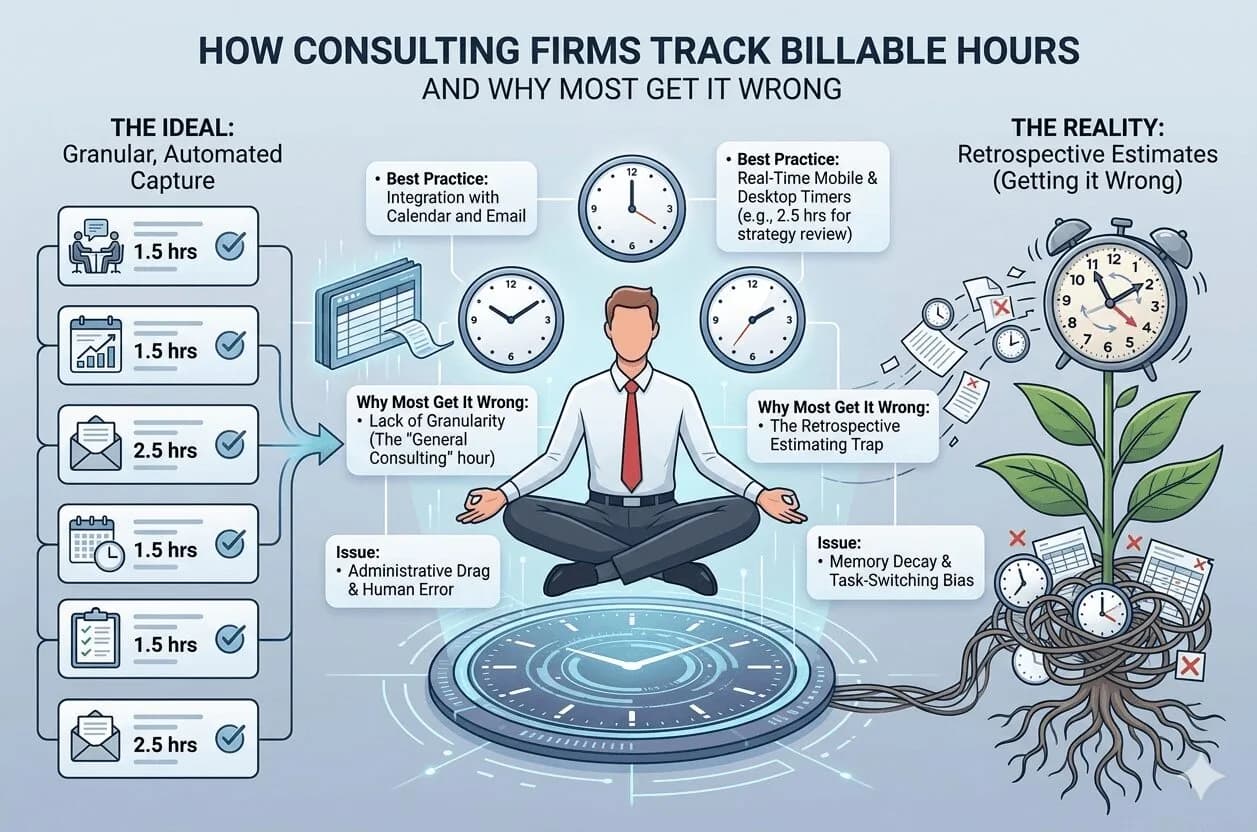
Research consistently shows that consultants who rely on manual or end-of-day time logging miss up to 40% of their actual billable time. That's not a rounding error — that's nearly half your revenue.
The 5 Ways Consulting Firms Track Billable Hours
There's no single right way — but there's a clear spectrum from least to most effective. Here's how different firms approach it:
1. Manual Timesheets (Spreadsheets)
The most common and most error-prone method. Consultants fill in their hours at the end of the day or week from memory. Simple to set up but terrible for accuracy — human memory degrades fast and context-switching means hours go unlogged constantly.
2. Timer-Based Apps (Start/Stop Tracking)
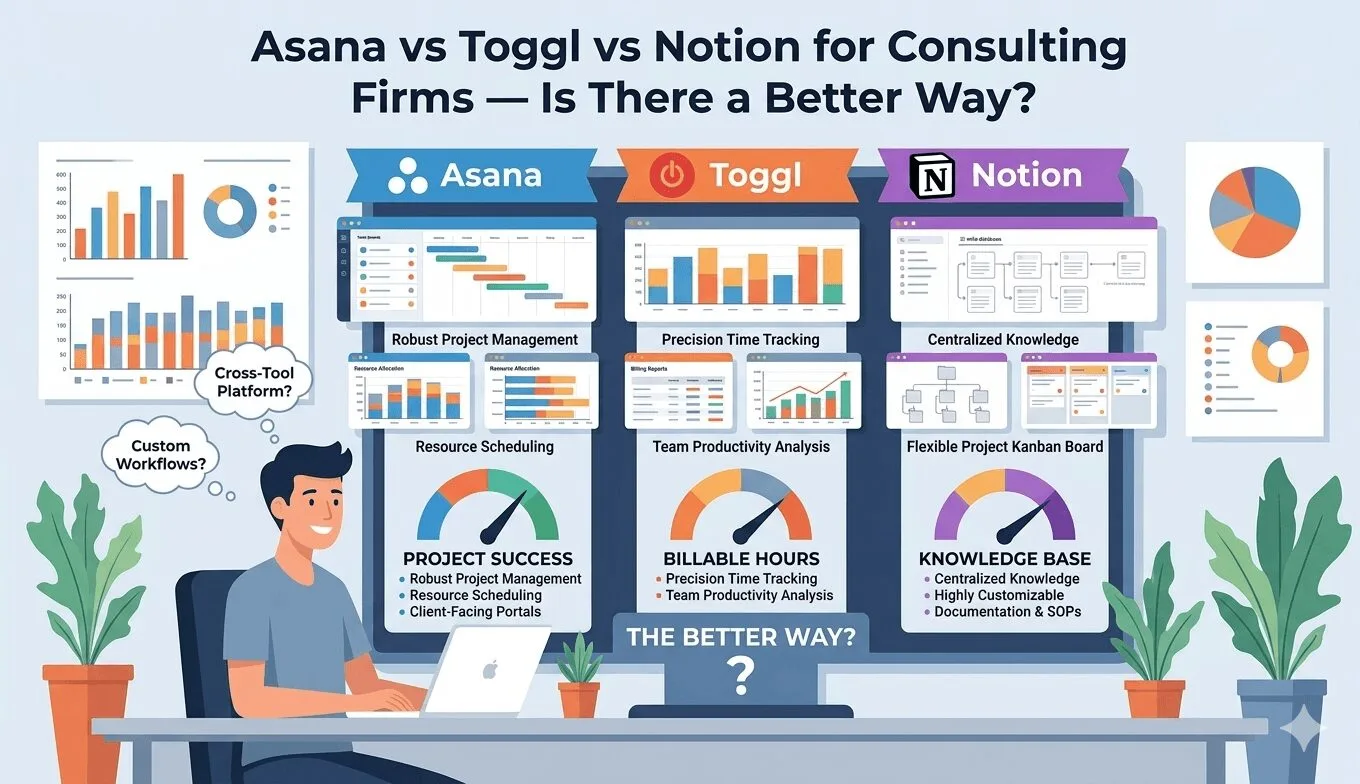
Tools like Toggl, Harvest, or Clockify let you start a timer when you begin a task and stop it when done. Much more accurate than manual entry, but only works if you actually remember to start and stop — which most people don't consistently.
3. Project Management + Time Tracking Combos
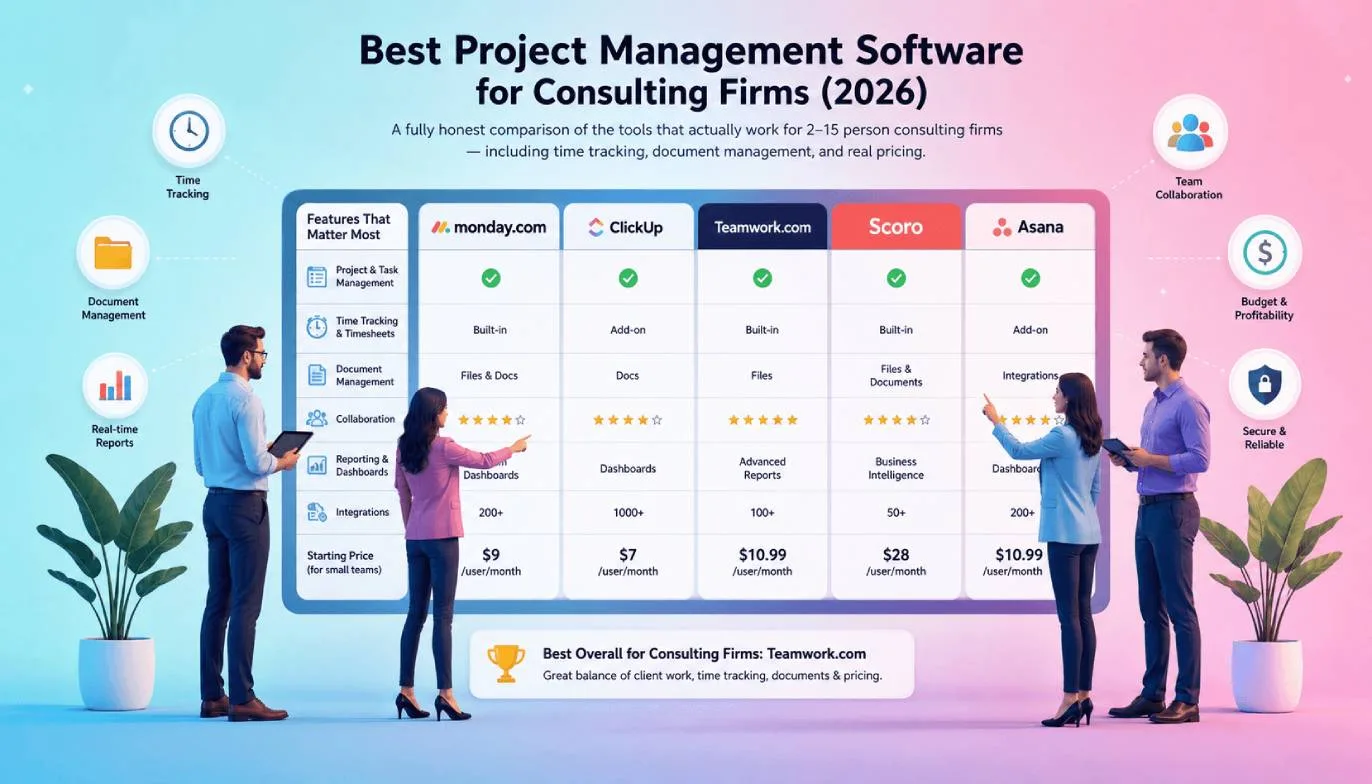
Firms using ClickUp, Asana, or Monday.com often log time directly against tasks. This is better because the time is attached to context — the specific deliverable, client, and project. But it requires discipline to maintain and often needs separate invoicing tools.
4. Dedicated Billing Software
Tools like FreshBooks or QuickBooks have built-in time tracking tied directly to invoicing. Better for billing, but often siloed from day-to-day project management — so you end up juggling two separate systems again.
5. All-in-One Systems
The most efficient approach. A single platform where project management, time tracking, team collaboration, and invoicing all live together. Hours logged against tasks flow directly into invoices — no manual reconciliation, no revenue falling through the cracks.

What the Best Consulting Firms Do Differently
After speaking with dozens of freelancers and small agency owners, a clear pattern emerges. The firms that are most profitable around billable hours share these habits:
- They track in real time, not at end of day. The moment a call ends or a task is completed, time is logged. Not at 6pm from memory.
- They attach time to clients and projects, not just generic "work." This makes reporting, invoicing, and scope conversations effortless.
- They review utilisation weekly. Not just to invoice, but to understand which clients are eating disproportionate time vs. revenue.
- They use data to reprice. When a project consistently takes twice the estimated hours, they adjust future quotes — or have an evidence-based conversation about scope.
- They automate the invoice-to-billing pipeline. Hours logged become invoices with minimal manual work.
The golden rule: If your time tracking system requires you to remember what you did, it will always be inaccurate. The best systems capture time as work happens — not after the fact.
Comparing the Most Popular Time Tracking Approaches
| Method | Accuracy | Invoicing | Project Context | Cost / Complexity |
|---|---|---|---|---|
| Manual Spreadsheet | ❌ Low | ❌ Manual | ❌ None | Free / Low |
| Toggl / Clockify | ✅ Medium | ❌ Separate tool | ✅ Basic | Low / Medium |
| Harvest | ✅ Medium | ✅ Built-in | ✅ Good | Medium |
| ClickUp / Asana | ✅ Medium | ❌ Add-on needed | ✅ Strong | Medium / High |
| Siddhify ⚡ | ✅ High | ✅ Built-in | ✅ Full context | Low — all-in-one |
How Siddhify Solves Billable Hour Tracking for Consultants
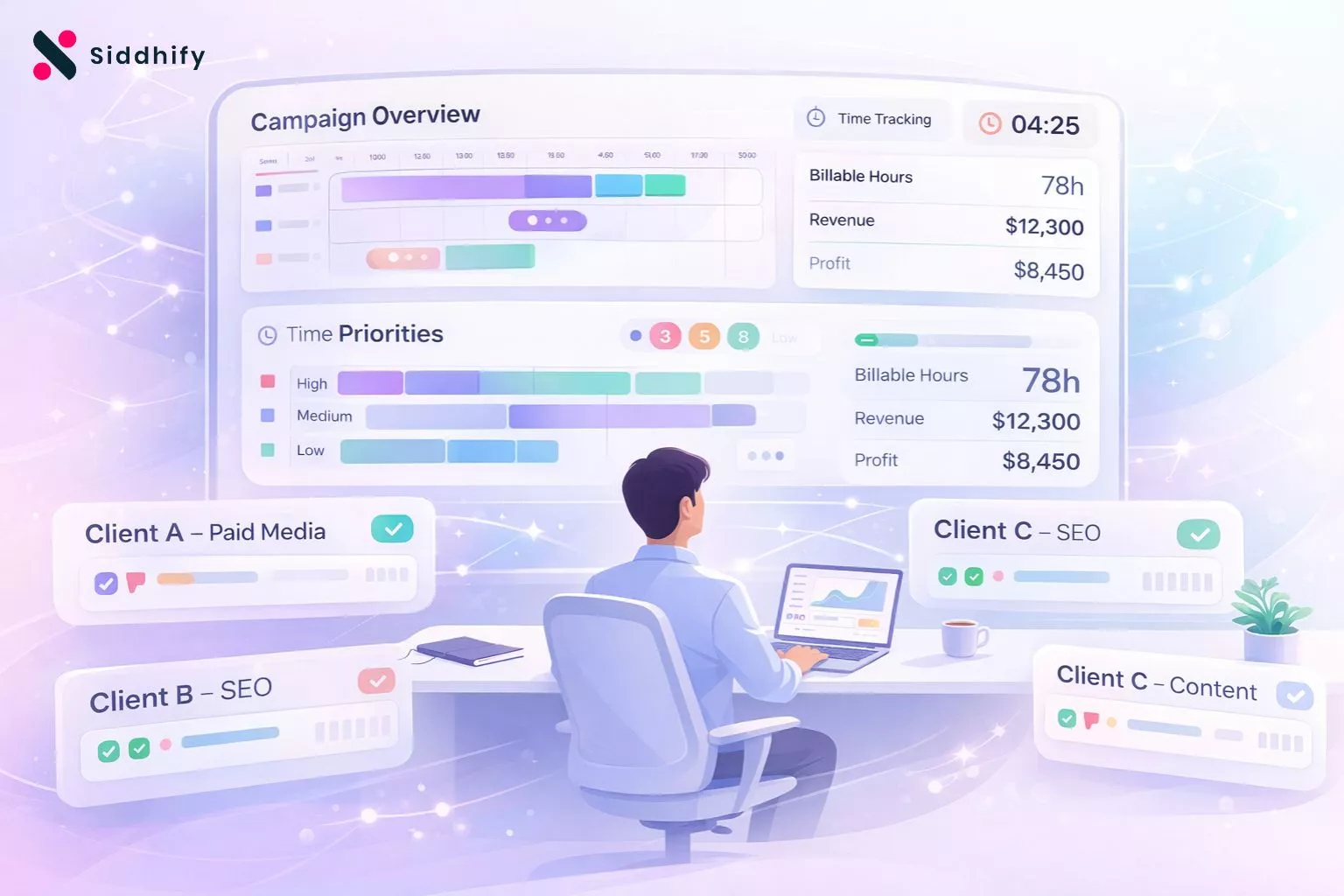
Purpose-built for freelancers, solopreneurs, and small agencies who need everything in one place.
Task-Level Time Tracking
Log time directly against specific tasks and projects. Every hour has context — client, deliverable, and date — automatically.
Built-in Invoicing
Turn logged hours into professional invoices in seconds. No reconciling between two separate tools ever again.
Sub-User & Team Management
Add team members, assign tasks, and track everyone's billable hours across client projects from one dashboard.
AI-Powered Task Automation
Siddhify's AI helps break down projects, suggest time estimates, and flag when scope is creeping beyond your original quote.
Client Conversations
Keep all client communication in context with the project — no switching to Slack, email, and back again.
Gamified Productivity
XP points, streaks, and Dream Score keep you and your team motivated — making consistent tracking feel rewarding, not like a chore.
Building a Billable Hour System That Actually Sticks
The best time tracking system is the one you'll actually use consistently. Here are the principles to build around:
- Start simple. Even tracking just client vs. non-client time is better than nothing. Add granularity as the habit forms.
- Make it frictionless. If logging time takes more than 10 seconds, it won't happen consistently. Choose tools that live where you already work.
- Review every Friday. A 10-minute weekly review of your hours catches leakage before it becomes a billing problem.
- Tie tracking to invoicing. When hours automatically become invoices, you have a financial incentive to track accurately.
- Track non-billable time too. Understanding how much time goes into business development, admin, and internal work is essential for pricing decisions.
Related Reading
If you're also struggling with staying consistent on client projects, read our guide on building a productivity system that works for freelancers and why most productivity apps stop working after week one.
Frequently Asked Questions
Stop Leaving Revenue on the Table
Siddhify brings your time tracking, projects, team, and invoicing into one gamified platform — built for consultants who want to run a tighter, more profitable operation.
⚡ Try Siddhify free — no credit card required