
Stay in the loop
Get the latest news, feature updates, and exclusive promotions.

Discover the top time management apps in 2026. Compare features, AI tools, Pomodoro timers & more—built for solopreneurs, remote teams & small businesses.

Did you know that people who track their time are 83% more productive?
In 2026, time is more valuable than ever. Professionals are juggling nonstop meetings, constant Slack messages, and long to-do lists. Even the best workers feel overwhelmed by:
That’s why time management apps are so useful. They’re not just to-do lists anymore. These smart tools help you:
In this post, you’ll see how the best time management apps in 2026 solve real problems, like distractions, stress, and messy workflows.
BONUS: Scroll down to see a full comparison table of the top 10 tools, including Siddhify, built just for agencies and small business teams.
They’re way more than just task lists.
Time management apps are digital tools that help you plan your day, stay on track, and get more done. They help you:
These apps have gotten smarter. Many now include AI scheduling, calendar syncing, and even live team collaboration.
Type | Examples |
Task Managers | Todoist, Microsoft To Do |
AI Schedulers | Motion, Reclaim.ai |
Time Trackers | Clockify, RescueTime |
Focus Boosters | Pomodoro timers, Focus@Will |
Gamified Habit Tools | Habitica |
These tools are great for freelancers, remote workers, team leaders, and small business owners who want to save time and avoid burnout.
Choosing the right app can be tough. Here are the most important features to help you pick the best one for your needs:
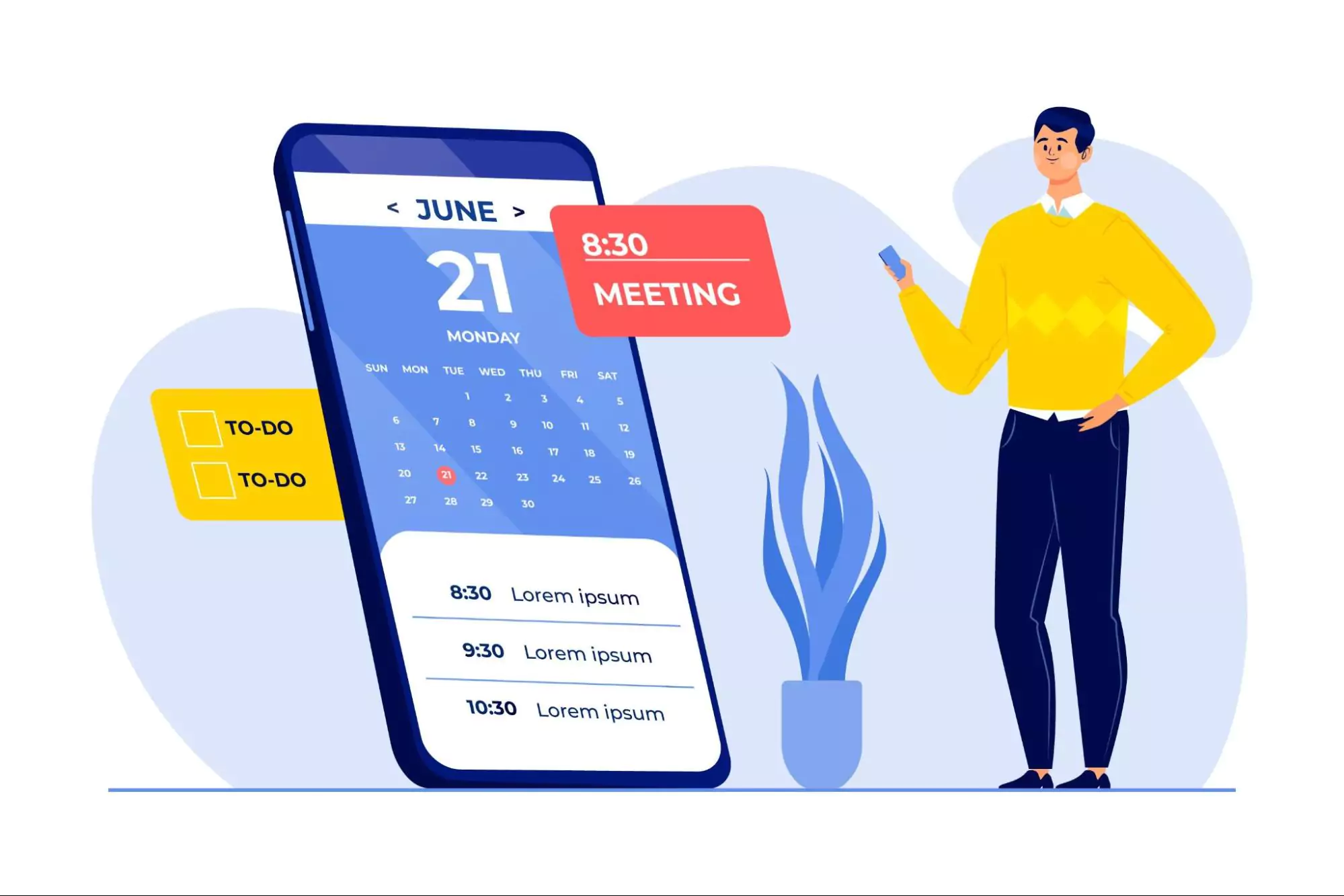
Here’s how these tools help busy professionals take back control of their day.
With meetings, emails, and tasks coming at you fast, things often fall through the cracks.
Time management apps give you one place to see everything:
Everything syncs across your phone, computer, and tablet. You’ll get reminders and updates so nothing gets missed.
Example: Many professionals use Notion or Trello to plan each week. Drag and drop your tasks into simple columns and track your progress daily.
Ever end the day feeling busy, but not productive?
Modern tools use AI to help you focus on what’s most important. Features include:
Apps like Motion and Reclaim.ai act like a digital assistant. They plan your day for impact.
“Motion changed how I plan, it’s like my executive assistant.” – Reddit user
Solopreneurs love this because it cuts down decision-making and helps them use their time wisely.
FAQ tie-in: How do distraction-blocking apps compare to time-trackers?
Distractions are everywhere: Instagram, emails, Slack, YouTube.
Apps like Focus@Will play music backed by science to help your brain concentrate.
RescueTime watches what you’re doing and nudges you back when you get off track.
Pomodoro timer apps (like TickTick) break your day into 25-minute work sprints. These focus boosters turn deep work into a game, helping you stay locked in without getting drained.
Example: Focus@Will uses soundscapes made by neuroscientists to keep your brain alert for long periods.
Ever wonder where the day went?
Apps like Clockify and RescueTime track your time in the background. You’ll get:
This helps small business owners and remote workers:
According to Harvard Business Review, the average employee spends only 2.8 hours a day on high-value work. These apps help fix that.
What are the best time management apps for remote teams?
Try Siddhify and Notion, they offer shared spaces, task tracking, and teamwork tools.
What’s the best daily task planner with calendar sync?
Motion and Reclaim.ai both use real-time calendar syncing and auto-scheduling.
Do Pomodoro timer apps really work for professionals?
Yes! Focus@Will and TickTick help break your day into short bursts, reducing stress and boosting focus.
How can I integrate time management apps with Google Calendar?
Most tools like Siddhify, Trello, and Reclaim.ai connect easily to Google Calendar.
FAQ tie-in: Are AI time scheduling apps worth it?
Manual planning works, but it eats up your time.
AI scheduling tools like Motion or Reclaim.ai handle it for you. They use:
They’ll move tasks around if you reschedule a meeting or fall behind.
These tools are perfect for solo workers handling everything themselves. You still have control, just with less stress.
But a heads-up: Some people say AI takes away too much choice. Pick a tool that lets you tweak the plan when needed.
Managing time is easier when your tools talk to each other.
Most apps now work with:
This keeps you from jumping between tabs all day.
Apps like Siddhify or Notion act as command centers. You can see your calendar, project plans, OKRs, and goals, all in one place.
“My Notion dashboard pulls in Jira tasks + calendar + OKRs. It’s my command center.”
Small teams use Siddhify to boost productivity without buying extra tools. Everything is connected.
You can’t manage your time well without good habits.
Apps like Habitica make daily habits fun. You earn points and unlock prizes by staying on track.
Siddhify includes built-in templates for habits, repeating tasks, and weekly check-ins.
According to Atomic Habits author James Clear, “Every action you take is a vote for the type of person you want to become.”
These apps help you cast the right votes day after day.
🔥 “You can’t manage time without managing habits.” – Tiago Forte, productivity coach
App | Platforms | Best For | AI Features | Free Plan | Paid Starts At | Pros | Cons |
Todoist | All | Task management | ❌ | ✅ | $4/mo | Intuitive UI, Gmail integration | No time tracking |
Notion | All | Planning & docs | ✅ | ✅ | $8/mo | All-in-one, AI notes | Steep learning curve |
Trello | All | Visual projects | ✅ (Butler) | ✅ | $5/mo | Easy to use | Limited for large teams |
Clockify | All | Freelancers | ❌ | ✅ | $9.99/mo | Client billing, visual reports | No task dependencies |
RescueTime | All | Focus tracking | ✅ | ✅ | $12/mo | Distraction monitoring | Not for planning |
Reclaim.ai | Web | AI scheduling | ✅ | ✅ | $10/mo | Smart calendar, auto-focus time | Less manual control |
Siddhify | All | Small biz & teams | ✅ | ✅ | $7/mo | Combines projects + work-life balance | Not for large enterprises |
Motion | All | Auto-scheduling | ✅ | ❌ | $19/mo | AI task placement | Less customization |
Focus@Will | All | Deep focus | ✅ | ❌ | $9.95/mo | Music for focus | No task features |
Habitica | All | Habit building | ❌ | ✅ | $4.99/mo | Gamified, fun | Less suited for business pros |
Different professionals have different time management challenges. Here’s a quick guide to the best apps based on your situation:
TickTick has Pomodoro mode. Todoist has a cleaner design and more app integrations. Choose based on what you need.
Yes. They save hours. Just make sure you can manually adjust your calendar.
Focus apps help you stay in the moment. Trackers help you learn from the past. Use both for the best results.
Apps like Todoist and TickTick have simple, clean designs. They’re quick to learn and work well for beginners who want to get organized fast.
AI tools like Motion and Reclaim.ai can schedule your tasks based on your priorities and available time. They help reduce decision overload, but it’s best to review and adjust their plans to fit your style.
For freelancers and consultants, Clockify and RescueTime are popular. They automatically track your work hours and create reports, making invoicing simple and accurate.
Automation helps, but it can also make you less aware of your day.
Some productivity experts warn that relying too much on AI tools might hurt your time management instincts.
“Time managed for you ≠ time managed by you.”
This is why tools like bullet journals and paper planners are making a comeback in 2026. They help people reconnect with their daily routines.
Use a mix of smart tools and mindful habits to get the best of both worlds.
Let’s sum it up:
✅ Stay organized
✅ Use AI to prioritize
✅ Track where your time goes
✅ Build strong habits
✅ Automate, but stay in control
✅ Avoid burnout
Don’t wait for Monday. Start today.
Try a 7-day challenge:
And if you lead a team or run a business, try Siddhify, the AI project management tool made to keep your team aligned, clear, and productive.
Because your time deserves better tools.

10 Best Time Management Apps for Busy Professionals in 2026
Join thousands of entrepreneurs and professionals managing their work and life in one place — with the motivational power of gamification built right in.
⚡ Try Siddhify Free TodayNo credit card required · Set up in minutes