Stay in the loop
Get the latest news, feature updates, and exclusive promotions.
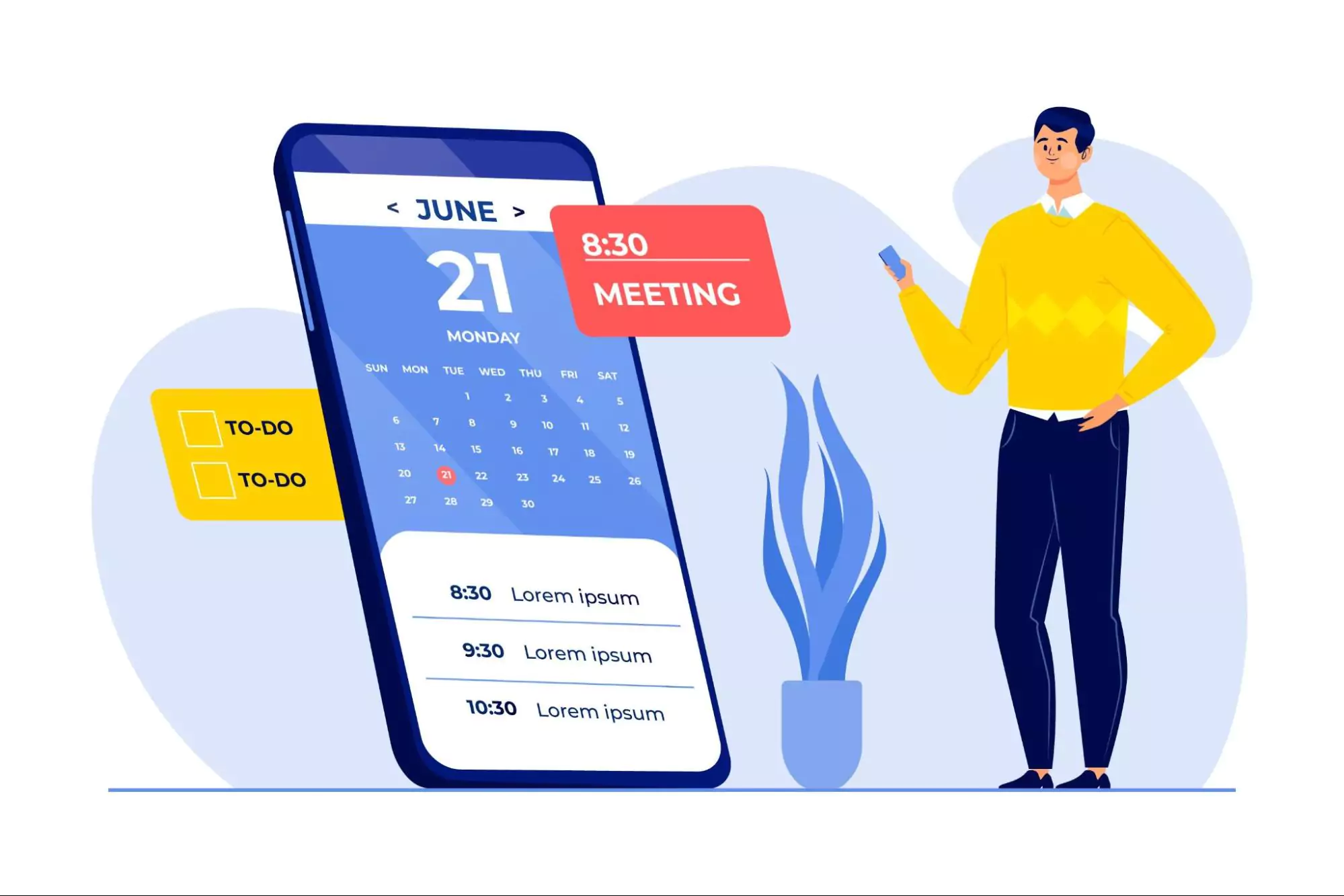
Find the best work planner for digital and web agencies. Compare top tools, discover AI-powered planners like Siddhify, and boost productivity in 2026.
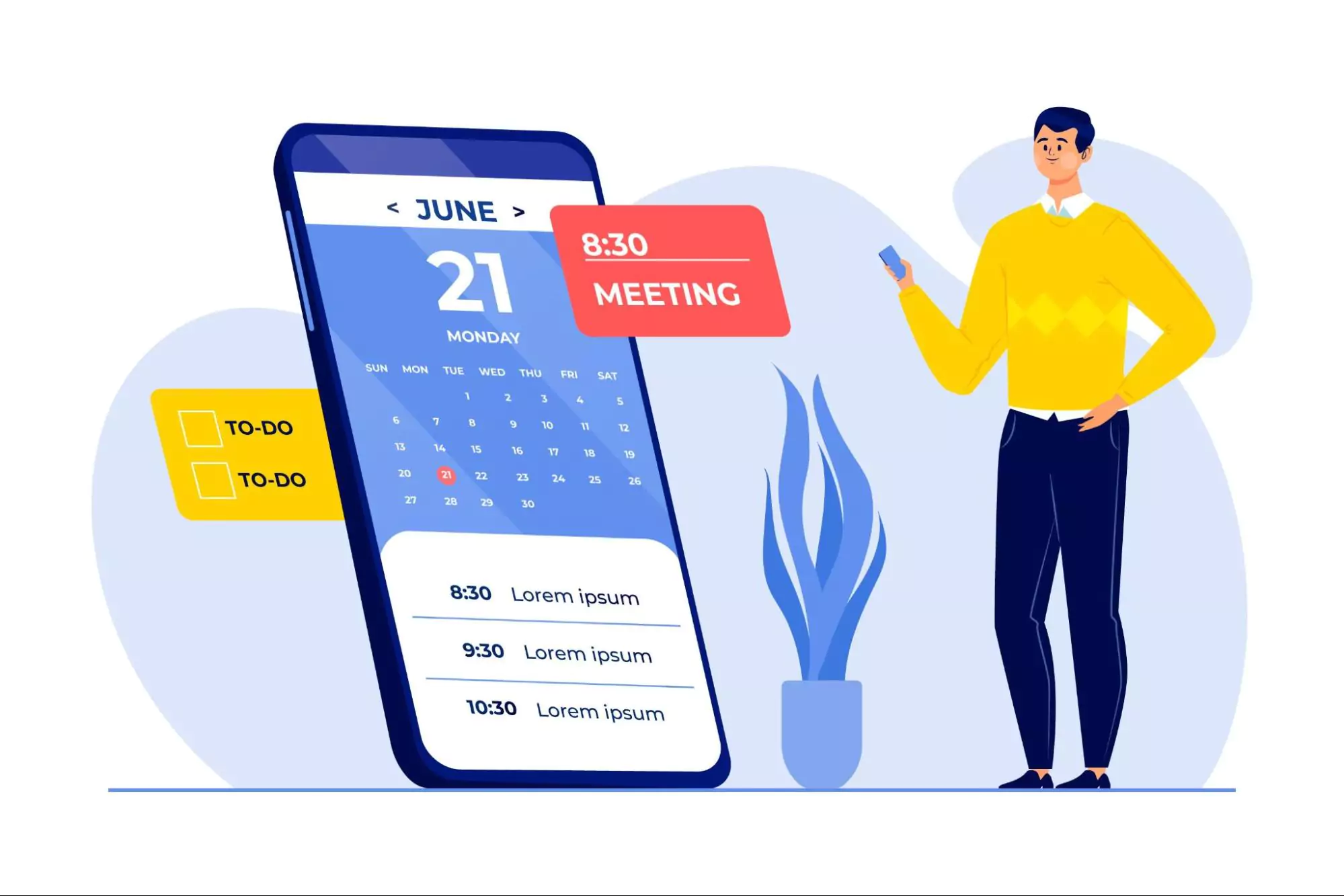
Running a digital agency means handling lots of tasks at once. You’re dealing with deadlines, keeping clients happy, and managing your team. And most of the time, you’re using several tools that don’t really work well together.
From design handoffs to sprint reviews, it can feel like there’s always something going wrong. Without a central place to plan everything, it’s easy to lose track.
That’s where a work planner can help. But not just any planner. You need one built for agencies like yours. One that can handle many projects, team members, and changing schedules. A good planner brings clarity and keeps things moving smoothly.
In this guide, we’ll walk you through how to choose or build the right work planner. You’ll learn how to avoid delays, keep your workflow simple, and help your team get more done in 2026.
You’ll also see real examples, expert advice, and how smart tools like Siddhify help you plan better and perform stronger.
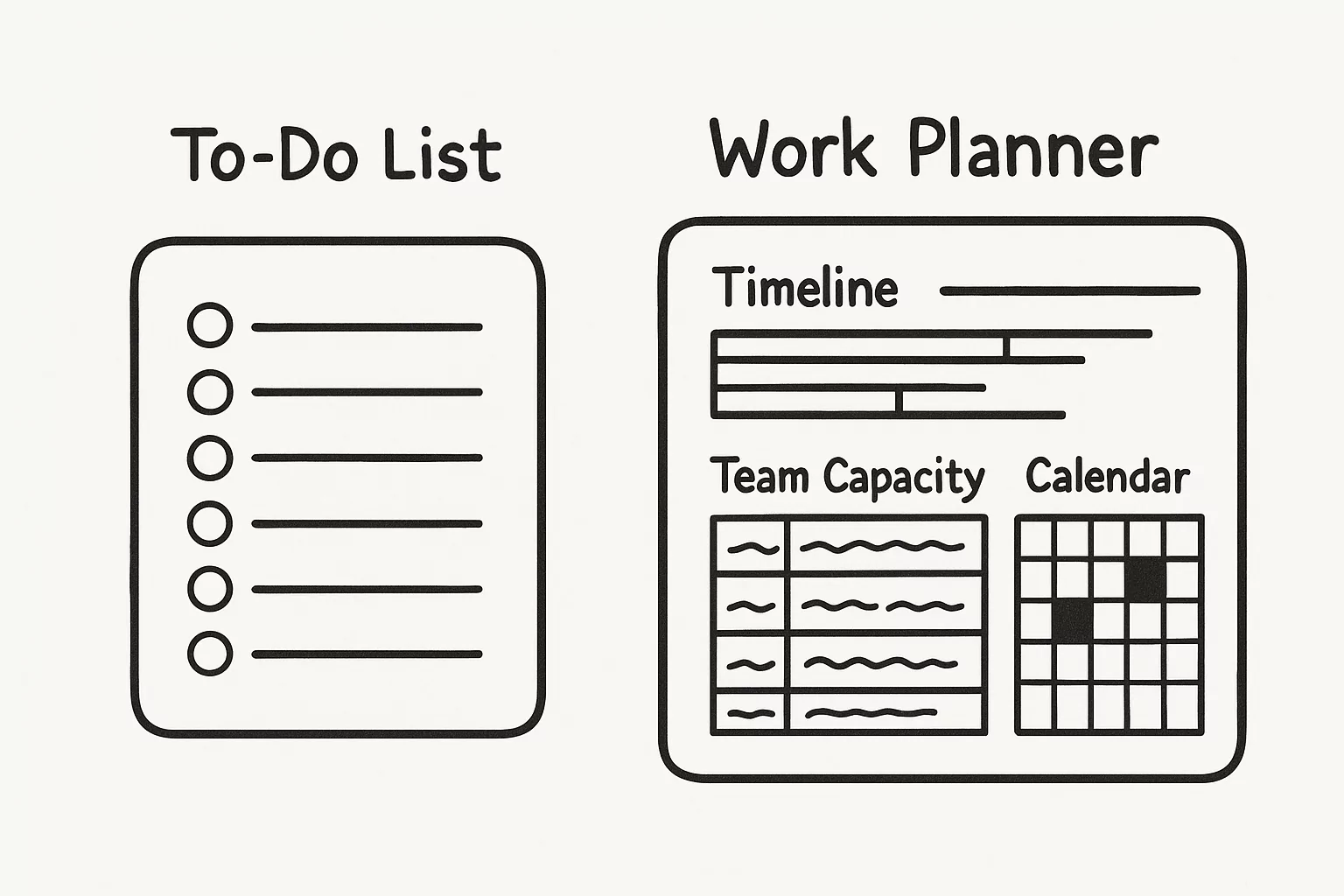
A work planner isn’t just a to-do list or a digital calendar. It’s a tool that helps manage everything in your agency’s workflow, from bringing in new clients to doing final checks before launch.
Tools like Asana or Trello help manage tasks. But a work planner gives you the bigger picture. It shows how everything connects across projects, people, and timelines.
Think of it as a smart business planner made for digital agencies. It helps you stay on track with long-term goals while getting your day-to-day work done. Unlike regular apps, these tools are built for fast-moving creative teams where timing really matters.
Spending 10-12 minutes planning can save you up to two hours of wasted time.
|
Feature |
Work Planner |
Project Management Tool |
|
Central calendar view |
✅ Yes |
⚠️ Limited in many tools |
|
Capacity & billable hours |
✅ Built-in |
❌ Often needs add-ons |
|
Sprint and dev handoff flow |
✅ Custom templates |
⚠️ Needs manual setup |
|
Designed for agencies |
✅ Yes |
❌ Made for general use |
|
Real-time client tracking |
✅ Built-in |
⚠️ Needs extra tools or Zapier |
|
Tool examples |
Siddhify, Smartsheet |
Trello, Jira, ClickUp |
A work planner brings together task planning, time tracking, team workloads, and deadlines in one easy view.
82% of people lack an effective work planning system in place. In this situation, low-value tasks can take up a significant portion of the workday, with 51% of it being allocated to them.
Agencies use different kinds of work planners depending on how they work, how big their team is, and what their clients need. Here are the main types:
Digital Planners (like Siddhify, Sunsama, Motion)
These are apps that connect with your calendar, email, and task lists. They’re perfect for daily planning, sprints, and setting aside focused work time. Siddhify is great for teams, while others focus more on individual work.
Printable Planners (like PDFs or Notion exports)
These work best for freelancers or small teams who prefer writing things down. They’re not easy to scale, but they help with focus. They’re great for team leads or visual thinkers.
Hybrid Systems (like Smartsheet + Google Calendar + Slack)
These mix different tools into one workflow. Many agencies connect their chat (Slack), calendar (GCal), and project tools (like Airtable or Smartsheet) to make a system that works for them.
The best planner for you depends on whether your agency needs automation, better visibility, or more flexibility.
Feature | Work Planner | Time Tracking App | Scheduling Tool |
Task Prioritization | ✅ Yes | ❌ No | ⚠️ Limited |
Team Capacity Planning | ✅ Built-in | ⚠️ Only individual hours | ❌ Not supported |
Project Timelines | ✅ Timeline & sprint view | ❌ No | ⚠️ Only calendar view |
Collaboration | ✅ Agency-focused | ⚠️ Solo or basic teams | ❌ Limited |
Examples | Siddhify, Smartsheet | Toggl, Harvest | Calendly, GCal |
Some agencies prefer building their own planner system from scratch. This can give you more control and flexibility, especially if you already use tools like Notion, Airtable, or Excel.
Here’s what you’ll need to get started:
You can build this in Notion, Google Sheets, or use a template in Siddhify to get started faster. This DIY planner setup is best for smaller teams or agencies with specific needs.

Here are the key features your planner needs to really help your agency. These elements help keep work flowing and your team in sync.
“When we started using weekly planning, we cut late projects by 40%. It brought clear focus.”
— Emily Tran, Project Lead at a London Creative Tech Agency
In 2026, more agencies are using AI tools to speed up planning and reduce manual work. These smart planners can:
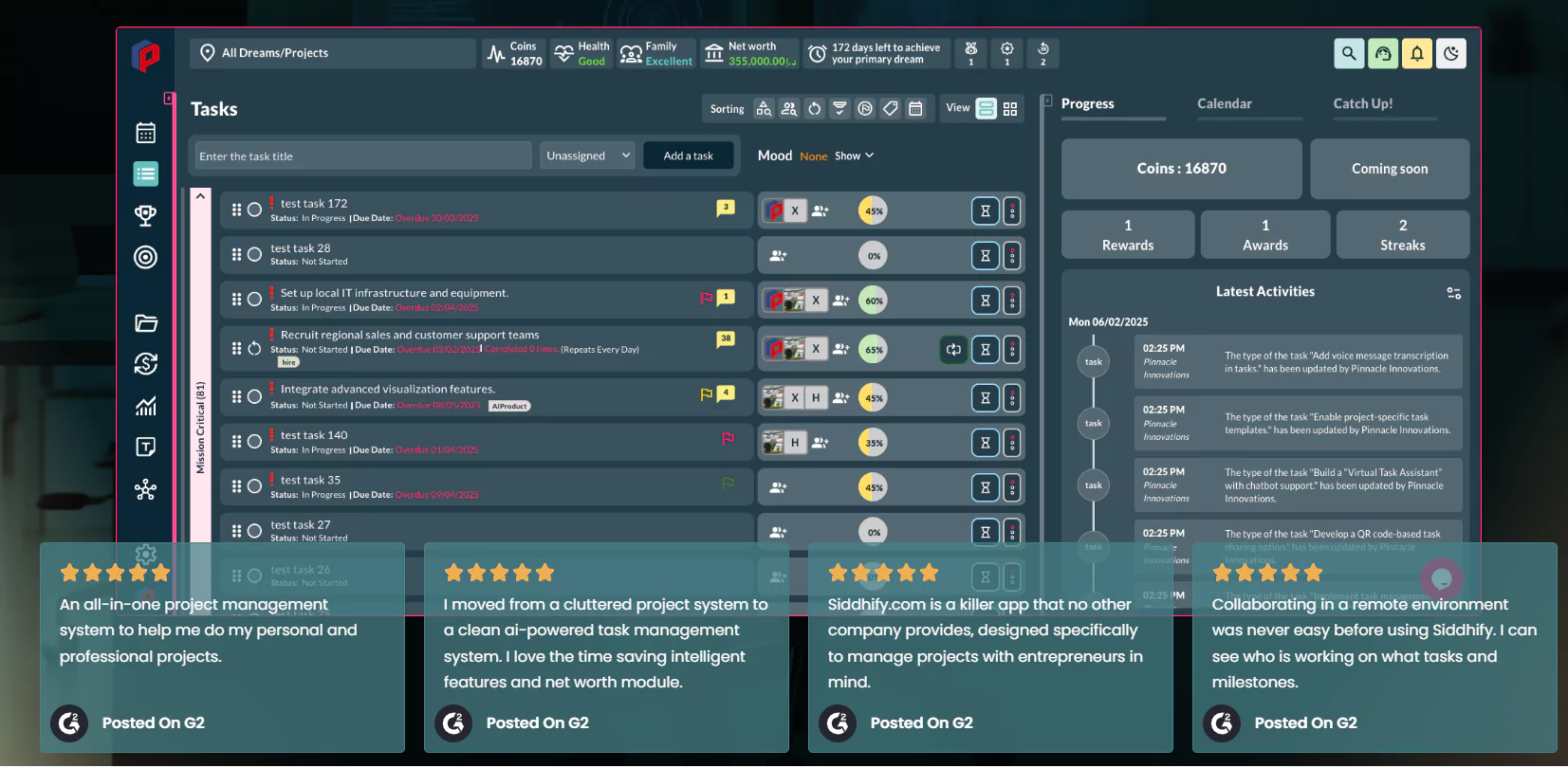
Siddhify uses AI-powered scheduling and project summaries to give PMs better control and insights. It’s not just automation – it’s planning with intelligence.
Adding AI tools to your planner setup can make your agency faster, more accurate, and less stressed.
A strong work planner isn’t just a tool. It’s a repeatable system. Here’s a proven weekly and monthly setup used by agencies to stay in control.
Weekly Sprint Setup
Daily Stand-ups
Design & Dev Sync
End-of-Week Review
Tools like Siddhify let you follow this process right from your dashboard. That’s why it’s a top daily planner app for sprint teams.
A work planner is a smart scheduling and workflow tool that helps agencies manage teams, timelines, and tasks across many client projects. It combines calendars, tasks, and daily work tracking into one system.
They use a mix of sprint planning, time blocking, team check-ins, and automated workflows. Many agencies use apps like Siddhify or Smartsheet to build weekly planner systems.
The best planner offers sprint templates, team capacity tracking, and flexible timelines. Siddhify is a leading daily planner app made for agencies.
Use tools that provide automation, visibility, and capacity alerts. Planners like Siddhify can warn you about overbooking or late tasks, improving project delivery.
Project management tools track tasks. A work planner combines those tasks with time planning, sprint cycles, and resource balancing across the entire agency.
Yes. Daily planner apps with team dashboards and integrations (like Slack or Teams) help remote agencies stay aligned.
Start with a weekly planner template, include time buffers, and schedule regular check-ins. Use software like Siddhify to automate the setup.
Cisco Webex Saved 520 Hours Each Year Using Smartsheet
Used one main planning board for 15 departments. Cut meetings and delays by 17%.
PTC Cut Planning Time by 30% with Agile Templates
Switched from fixed timelines to flexible planners. Used reviews to adjust faster.
Pixel & Code Cut Delivery Delays by 25% with Siddhify
Moved from Trello to Siddhify’s sprint view. Added time tracking and team alerts. Project timing improved in two months.
Metric | Before Siddhify | After Siddhify |
Missed deadlines/month | 6 | 1–2 |
Weekly planning hours | 10+ | 3–4 |
Team satisfaction score | 6.1 / 10 | 8.8 / 10 |
“After switching to Siddhify, each teammate saved 8–10 hours a month. We now finish everything on time.”
— Alex M., PM at a Berlin UX agency
Tool | Price | Best For | Pros | Cons |
Siddhify | $9/month | Sprint planning + reports | Templates, calendar sync, built for agencies | Still adding new features |
Smartsheet | $7/month | Big project tracking | Gantt charts, dashboards | Steep learning curve |
Sunsama | $16/month | Personal time blocking | Clean layout, works well with Google Calendar | Not great for teams |
ClickUp | Free–$12/month | Task management | Custom options, docs + tasks | Can feel messy |
Notion | Free–$10 | Light planning + docs | Combines notes and tasks | Not great for complex projects |
Pair your planner with the right tools to keep everything smooth. A good setup connects tasks, calendars, meetings, and files in one place.
Use tools like Zapier or built-in bots. Siddhify lets you send updates and check-ins straight to Teams.
Even the best tools don’t work if used the wrong way. Many agencies fall into common traps that slow them down.
“We don’t just need speed. We need visibility. Seeing progress helps reduce burnout.”
— Dr. Reena Kohli, Workplace Psychologist
A: Use an hourly planner to block time for admin, creative work, meetings, and project tasks. Tools like Siddhify help you drag and drop your day.
A: Siddhify works well for team planning, tracking time, and managing capacity. Sunsama or Motion work better for solo users.
A: Yes, if it connects personal and work goals. Siddhify does both.
A: Daily and weekly. Using apps to automate this keeps your team focused and on track.
A: Yes. Siddhify connects with Google Calendar, Slack, and Microsoft Teams.
“We used to jump between 4 different tools. Siddhify gave us one clean dashboard. It saved time and gave clients more trust.”
— Janelle P., Founder at Orbit Digital Studio
“Our capacity planning is finally accurate. I know who’s overbooked before it becomes a problem.”
— Marcus A., Ops Director at LaunchPad Web
Using a work planner isn’t just about staying organized. It’s about helping your team stay on track, avoid burnout, and deliver great work on time.
Agencies that plan better see better results, more profits, less chaos, and happier clients.
Try a tool like Siddhify to turn your planning process into a powerful system. You’ll spend less time managing and more time creating.
👉 Want to improve agency performance? Learn how Siddhify fits into your productivity stack.
Want to learn more? Check out our latest article on How to Be Time Efficient: Proven Techniques, Tools & Real-World Strategies That Work

Work Planner for Digital & Web Development Agencies: Streamline Projects, Maximize Productivity in 2026
Join thousands of entrepreneurs and professionals managing their work and life in one place — with the motivational power of gamification built right in.
⚡ Try Siddhify Free TodayNo credit card required · Set up in minutes